Real estateDemo with sample data
Real Estate Portfolio and Viewing Tracker: screen-by-screen guide
The full version of the short description on the product page: every feature, how each screen is used step by step, all limits and the delivery details.
All features
Manager sign-in and panel opening were verified on the live demo on 10 October 2026; the complete local product suite passed 1302/0. On 26 October 2026 it was checked on the live demo, signed in as an agent, that the “Sözleşmeye git” (go to the contract) button on the Today page and the contract “Aç” (open) link and the owner link on the listing page do not appear.
- Record listings and property details
- Link clients and requests to listings
- Plan viewings on a calendar and track viewing records
- Panel access for manager and agent roles; an agent does not see links to contracts and owners it has no permission for
- Importing the client and owner lists from Excel/CSV (manager only): a preview, duplicate phone numbers set apart, undo of the last import; no message is sent and no request or contract is opened (.xlsx only when the server has the zip extension)
- Reports and document screens; backup and restore
Screen by screen: how it is used
The screen is from an earlier local sample-data installation; the live demo runs version 1.0.8. The property photos are copyright-free (CC0) sample photographs and show no person or real address. The app interface is in Turkish.
- Who uses it?
- A real estate office manager and agent.
- Where do they start?
- Sign in with the sample account.
What do they do on screen? Step by step
-
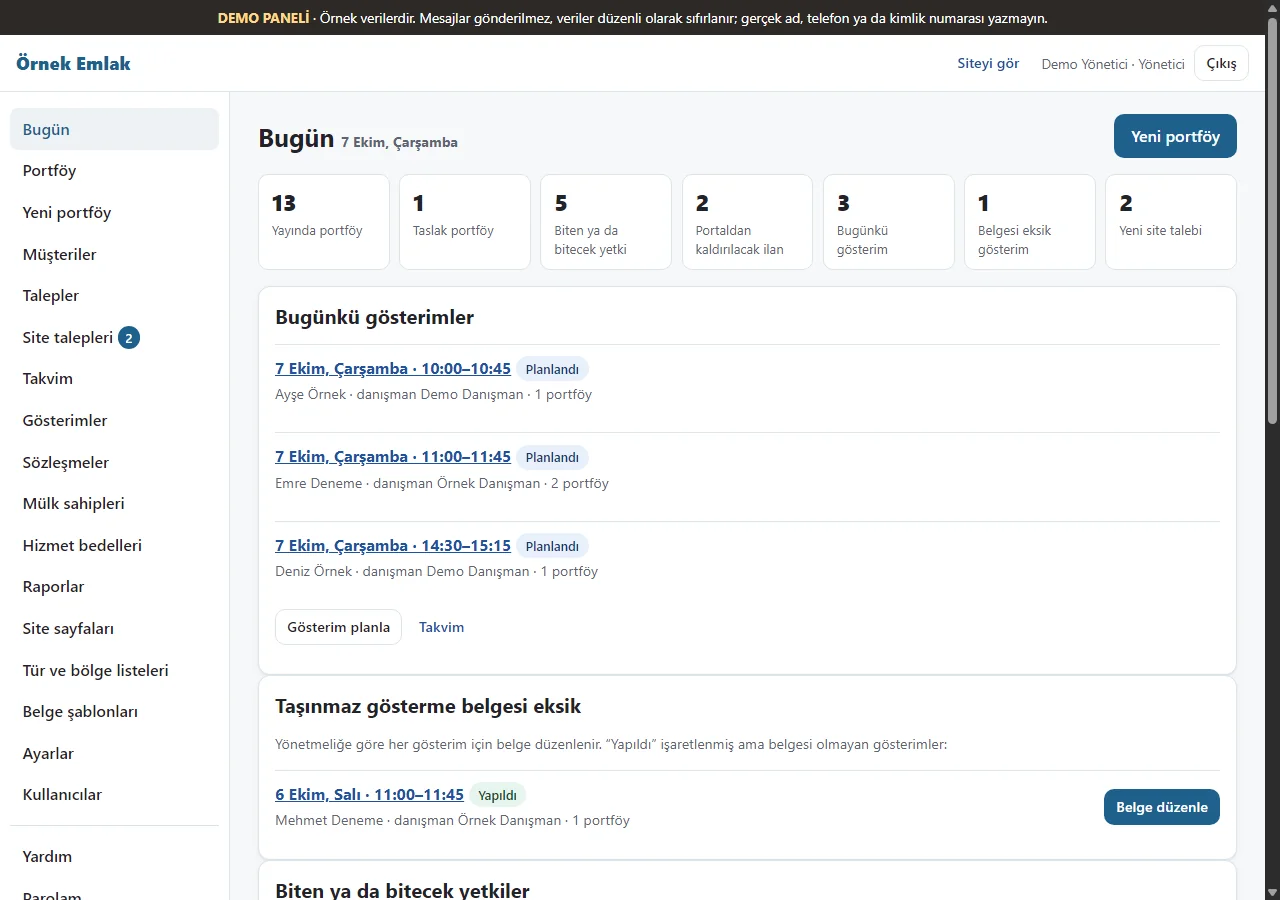
Today dashboard
Listing counts and planned viewings appear with sample data.
- On screen (Turkish interface)
- “Bugün” — today
- “Bugünkü gösterimler” — today’s viewings
-
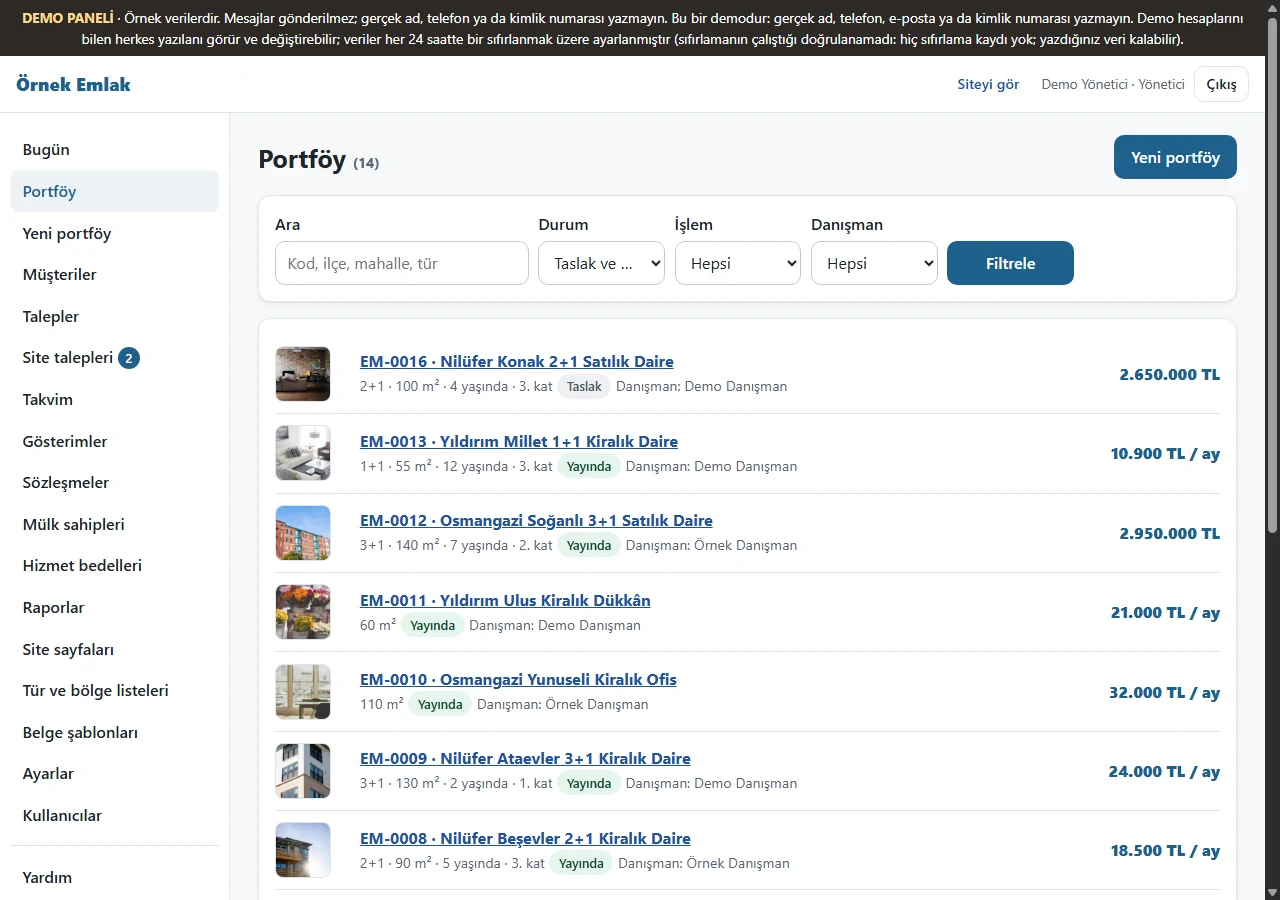
Listings
Sample property records are listed.
- On screen (Turkish interface)
- “Portföy” — listings
-
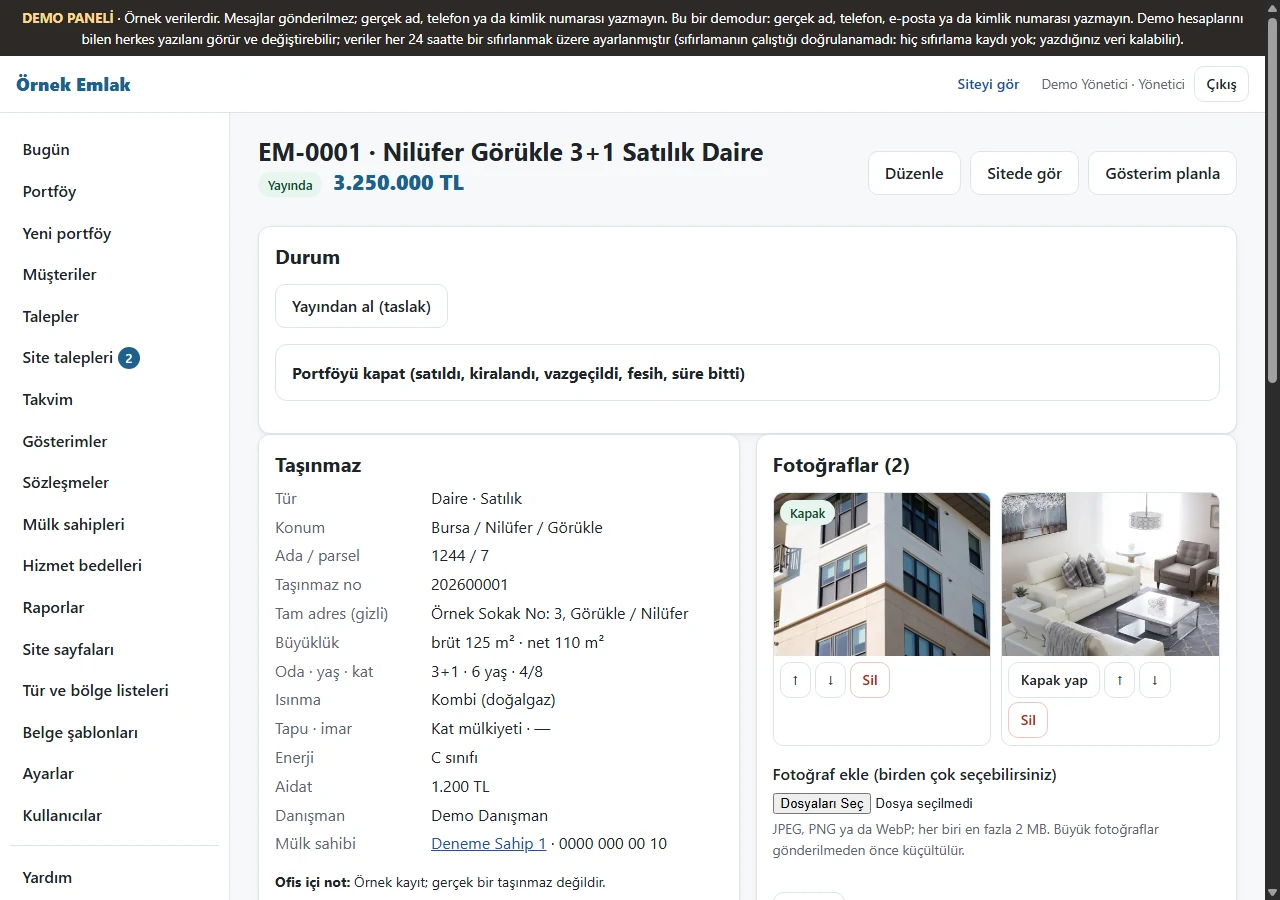
Listing details
A property’s saved details are shown.
- On screen (Turkish interface)
- “Portföy” — listing
-
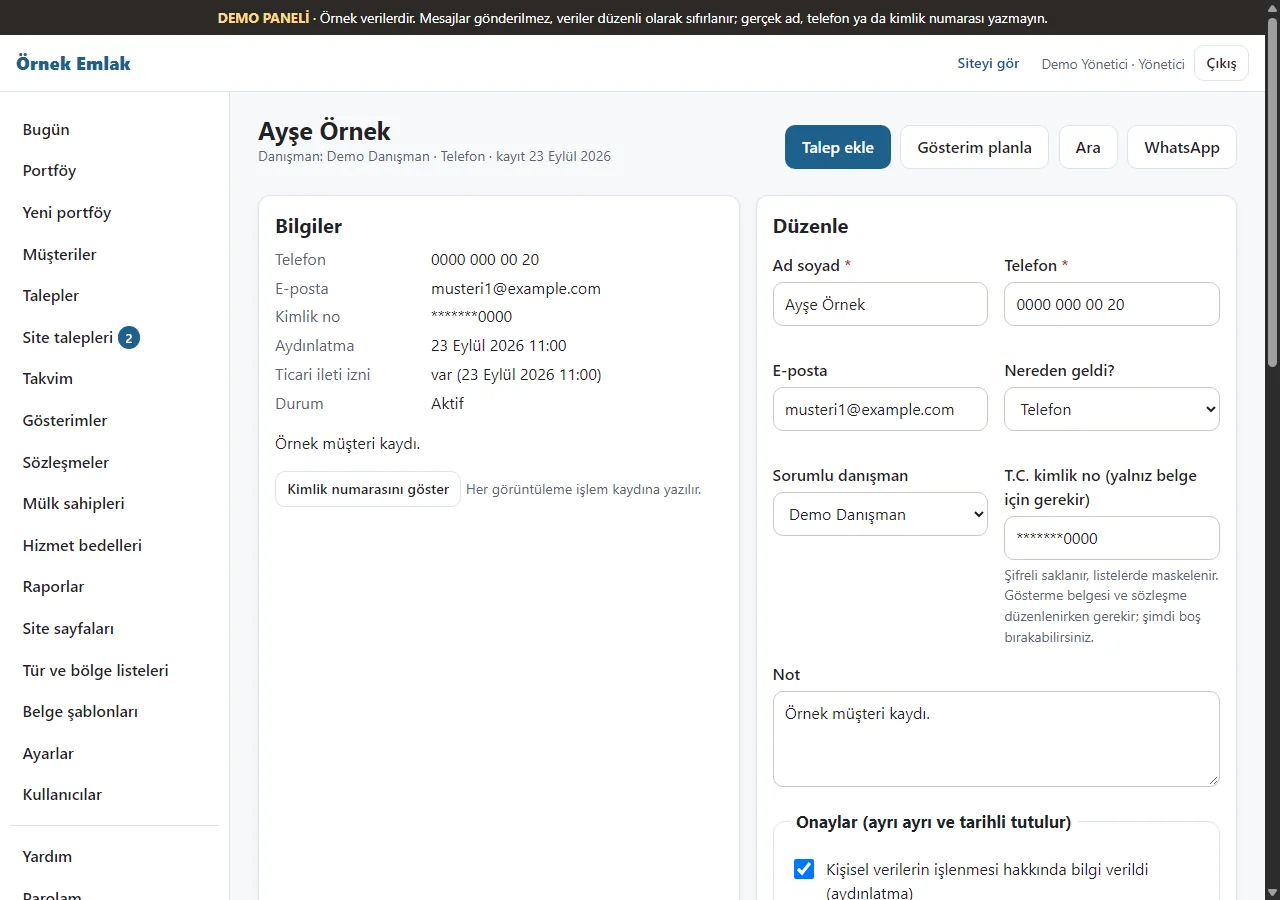
Client card
A sample client’s saved details are shown.
- On screen (Turkish interface)
- “Müşteriler” — clients
-
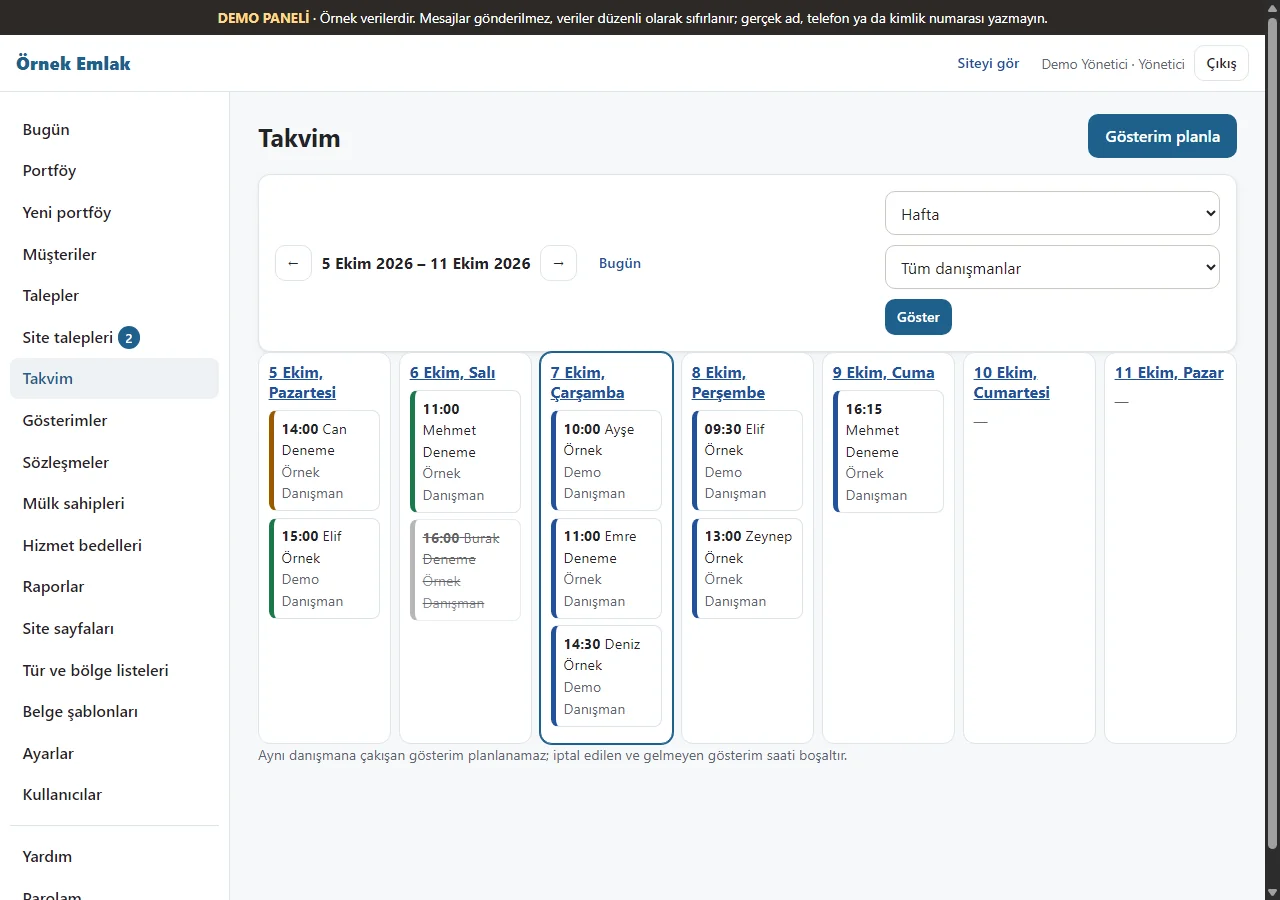
Calendar
Viewing appointments appear on the calendar.
- On screen (Turkish interface)
- “Takvim” — calendar
-
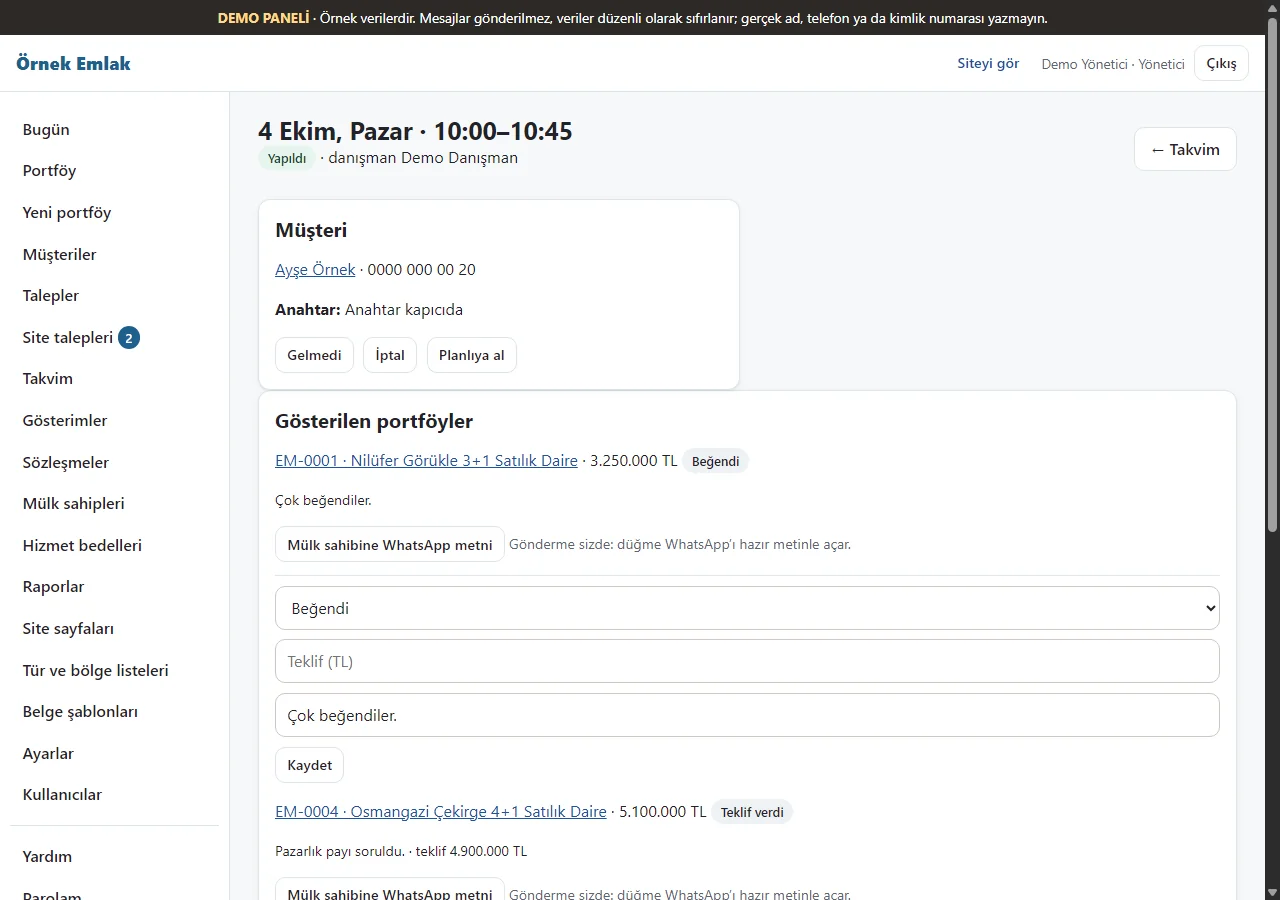
Viewing record
Details of a planned viewing are shown.
- On screen (Turkish interface)
- “Gösterimler” — viewings
-
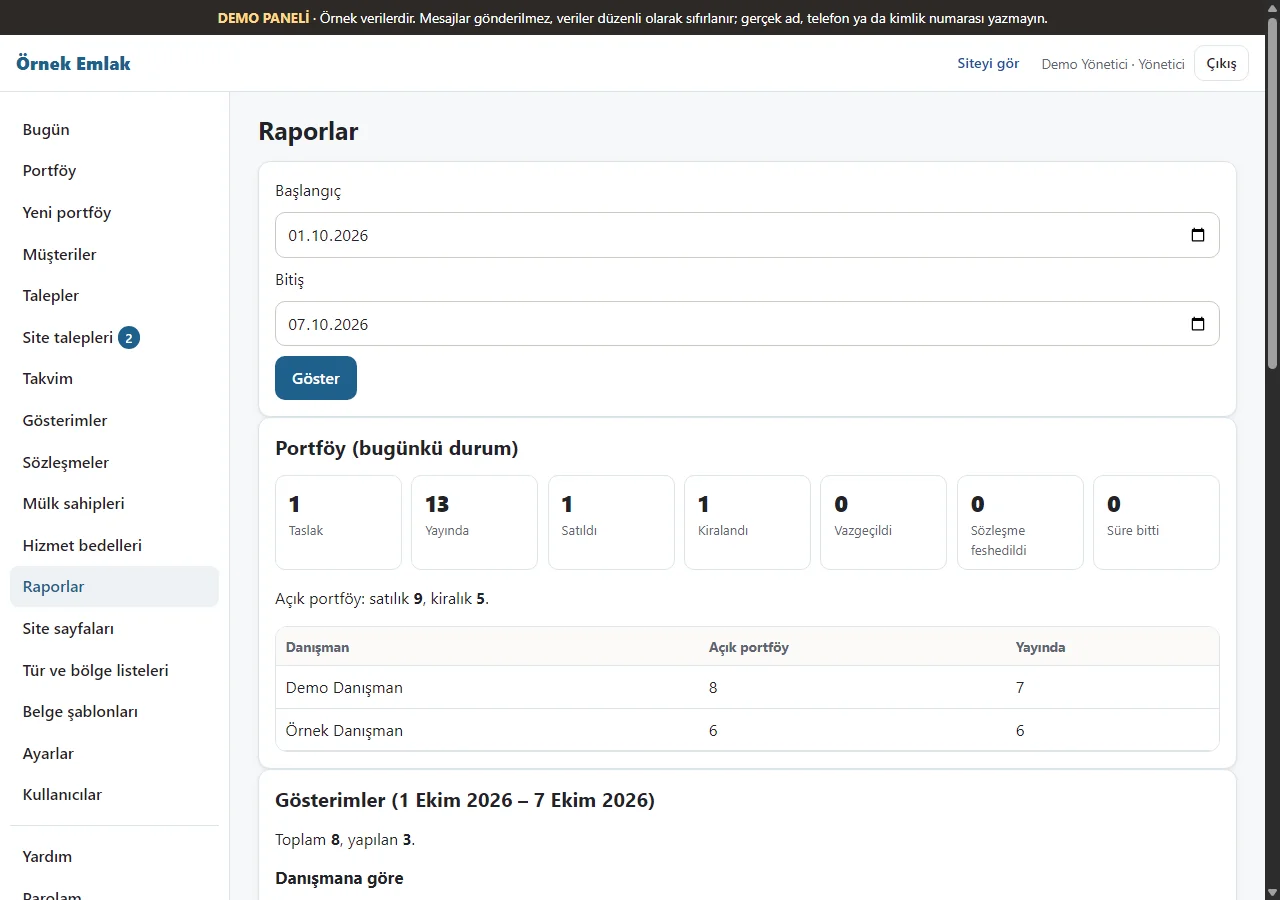
Report
A listing and viewing report is shown.
- On screen (Turkish interface)
- “Raporlar” — reports
-
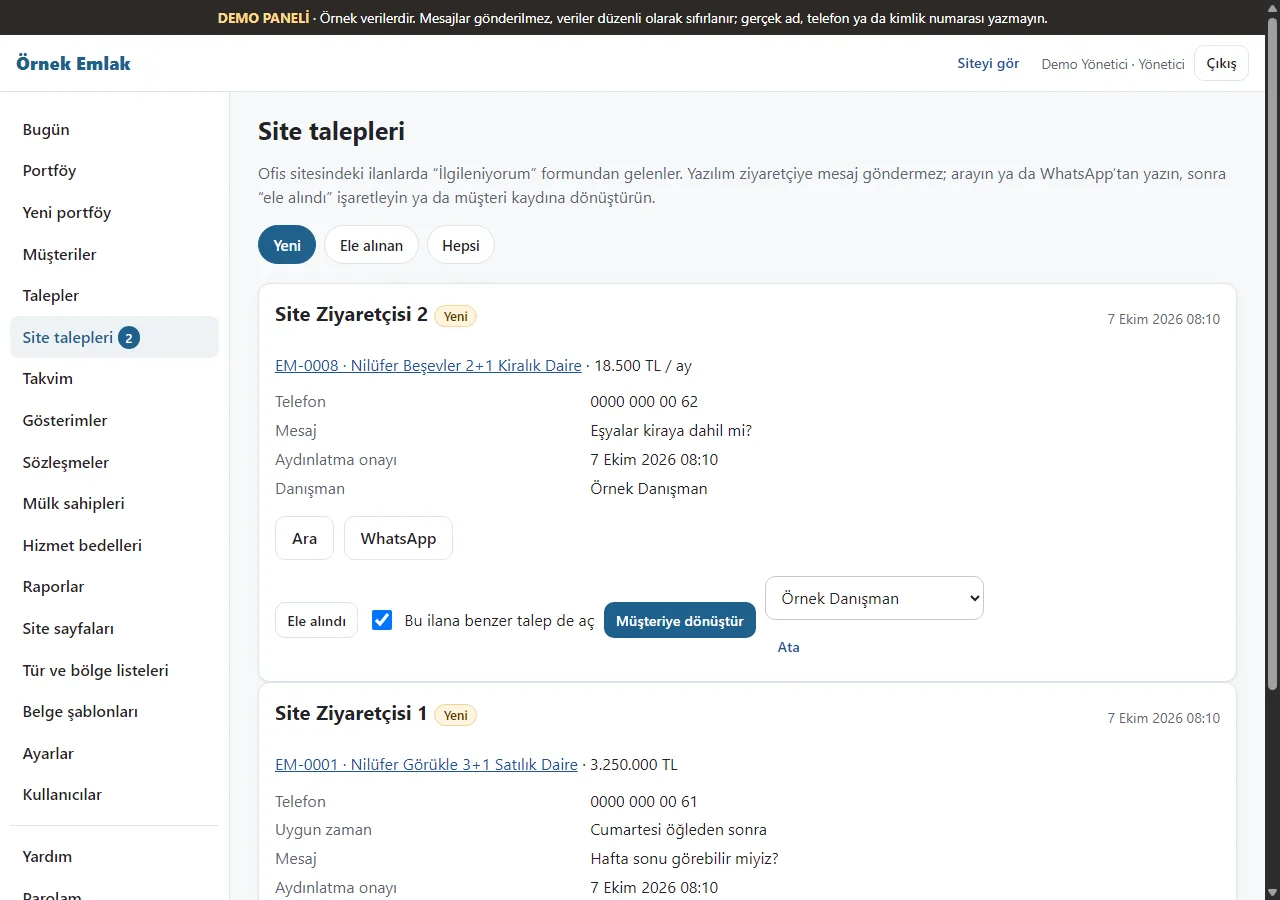
Website requests
Sample requests from listing pages are listed.
- On screen (Turkish interface)
- “Site talepleri” — website requests
- What do they see at the end?
- Listings and today’s viewings appear in the panel.
- What is it good for?
- Daily work is visible in one screen.
Everything that is not included, and all limits
- This is a demo with sample data. It has not been delivered to a client or used by a real estate office. Do not enter real personal or property data.
- A daily reset job is configured for the demo. The 10 October cron log succeeded; the first reset on version 1.0.5 has not yet been observed.
- The screenshot comes from an earlier sample-data installation; the live demo runs version 1.0.8. The property photos are copyright-free (CC0) sample photographs.
- Installation, business workflow, support and price are agreed separately with a customer. The app interface is in Turkish.
Delivery and sales status
There is no cart, customer account or online payment on this site for now. Reach out by phone, WhatsApp or the form; in a first conversation your need and the software’s fit are reviewed. The form does not create an order, a contract or a payment.
The delivery details for this software are not on record yet; they are discussed in a first conversation, based on its current state.
Price
There is no list price, sales package or online payment yet. Get in touch to talk about how it could work in your business.