Workflow guide
How to prevent overlapping salon appointments
A record flow for checking staff assignment, phone bookings, approval status and the hours around long services such as colouring, all in one calendar.
This guide is based on the record flow of the sample-data demo shown on this site. It is not a ready-made product or a customer deployment; a similar project needs its own agreed scope.
Tie the service and the specialist to the booking
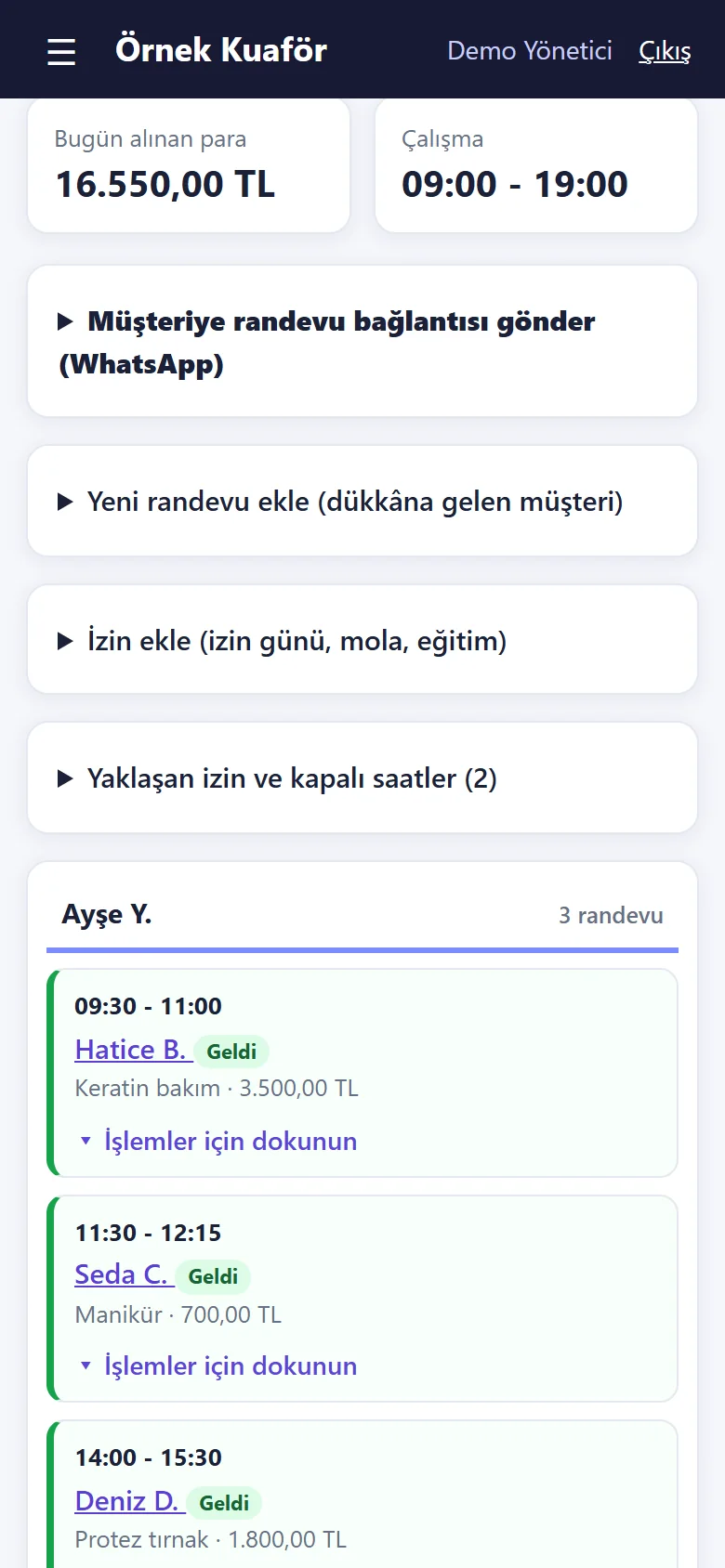
A start time alone is not enough; the service and the specialist belong to the same record. In the sample application the client first picks a service and a specialist, then a day, and that day’s available times appear. The application does not allow a second appointment for the same staff member at the same time.
Record phone and online requests together
A calendar for online requests and a separate notebook for phone bookings leave availability checks incomplete. Enter a phone booking in the same calendar with the specialist and service: you pick the saved client and the app lists that specialist’s free times. Reading a WhatsApp message does not mean the booking has been entered.
Distinguish a request from a confirmed booking
The client picks a service, specialist, day and time and sends a request. The business sees it in the box above the calendar and approves or declines it. The client sees “awaiting approval” on their booking link, and the result after the decision. Do not describe a “request received” screen as confirmation; decide in advance which status your team acts on. Approval is a setting: when it is on, an online request waits for “Onayla” (approve) or “Reddet” (decline); when it is off, the booking is confirmed at once and lands in the calendar; on new installations and on the live demo a booking is confirmed at once.
Plan long services separately
Colouring, a treatment or any long service also occupies the following hours. The rule confirmed in the application is that the same staff member cannot be booked twice for the same time; whether later slots close automatically for a service’s length is not something this guide promises, and it should be tried with sample records before commissioning. On a booking the customer makes on the internet, “Aynı randevuya bir hizmet daha ekle” (add another service) puts up to three extra services into one booking (minutes and prices are added up); a booking entered in the panel is a single service, and a frequent pairing can also be defined as a service of its own. When moving a booking, check the new time and the specialist together.
Run a short check at the start of the day
Review pending requests, check that phone bookings reached the calendar, and open tomorrow’s reminder list. It shows confirmed bookings with a ready WhatsApp message; the salon sends it from its own WhatsApp, and there is no automatic messaging service. Clients without an appointment can go on a simple waiting list; it does not write to the calendar, and the business chooses the staff member.
Quick checklist
- Are the service and specialist on the record?
- Was the phone booking entered in the calendar?
- Can the client tell a request from an approval?
- Was the schedule after a long service checked by hand?
Related guide
Tracking daily salon cash and staff commission
Separate ticket lines, staff, package sales, payment methods and expenses to review the day’s receipts and each person’s monthly service commission.
Read the guide →