Cram schools and study centersDemo with sample data
Cram School and Study Center Student Tracking
For cram schools and study centers: student and parent records, instalment plans and payments, a class timetable with clash warnings, mock-exam and net-score tracking, an enrolment funnel, attendance and critical absences, and a sign-in-free page for parents.
Student record: a group (for example 12-A Sayısal), up to three parents or authorised persons, a sibling link and an important note; for quick adding a name, group and parent details are enough.
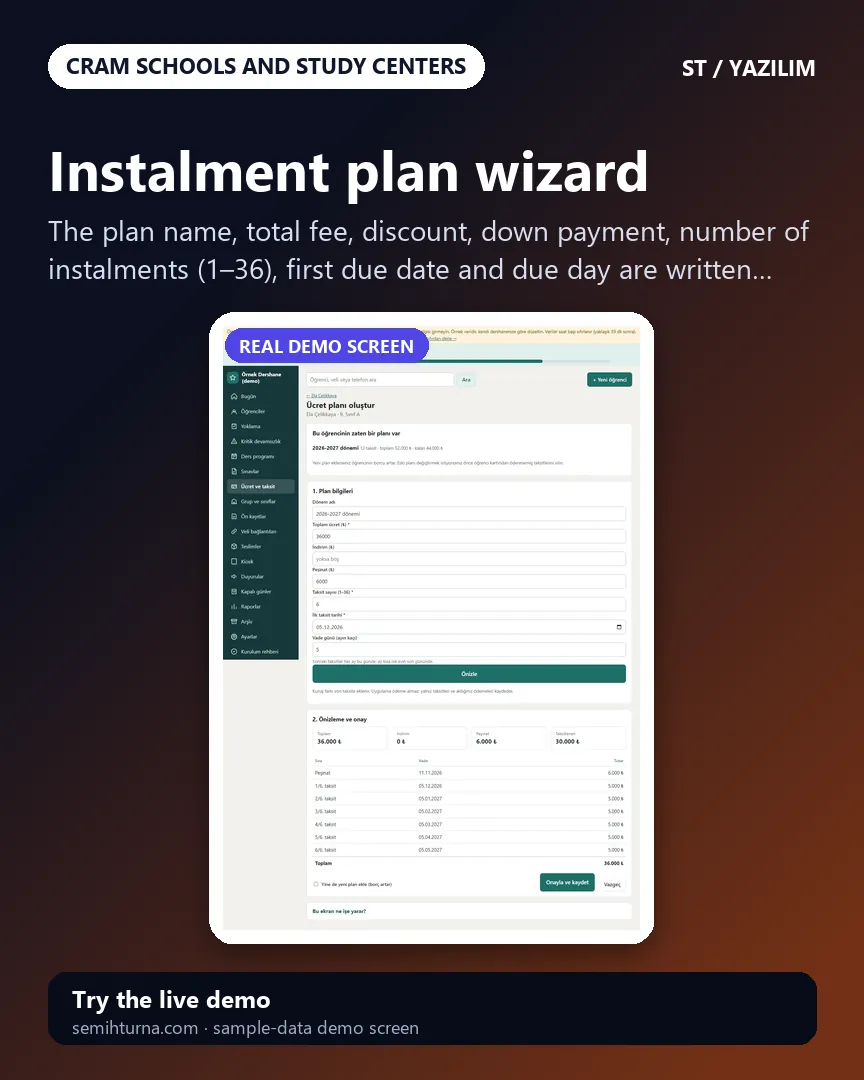
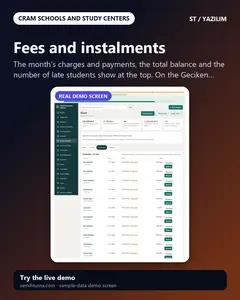
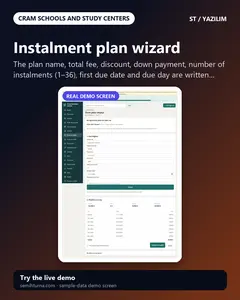
Instalment plan wizard: total fee, discount, down payment, 1–36 instalments, first due date and due day; a preview before confirming, the kuruş difference goes to the last instalment.
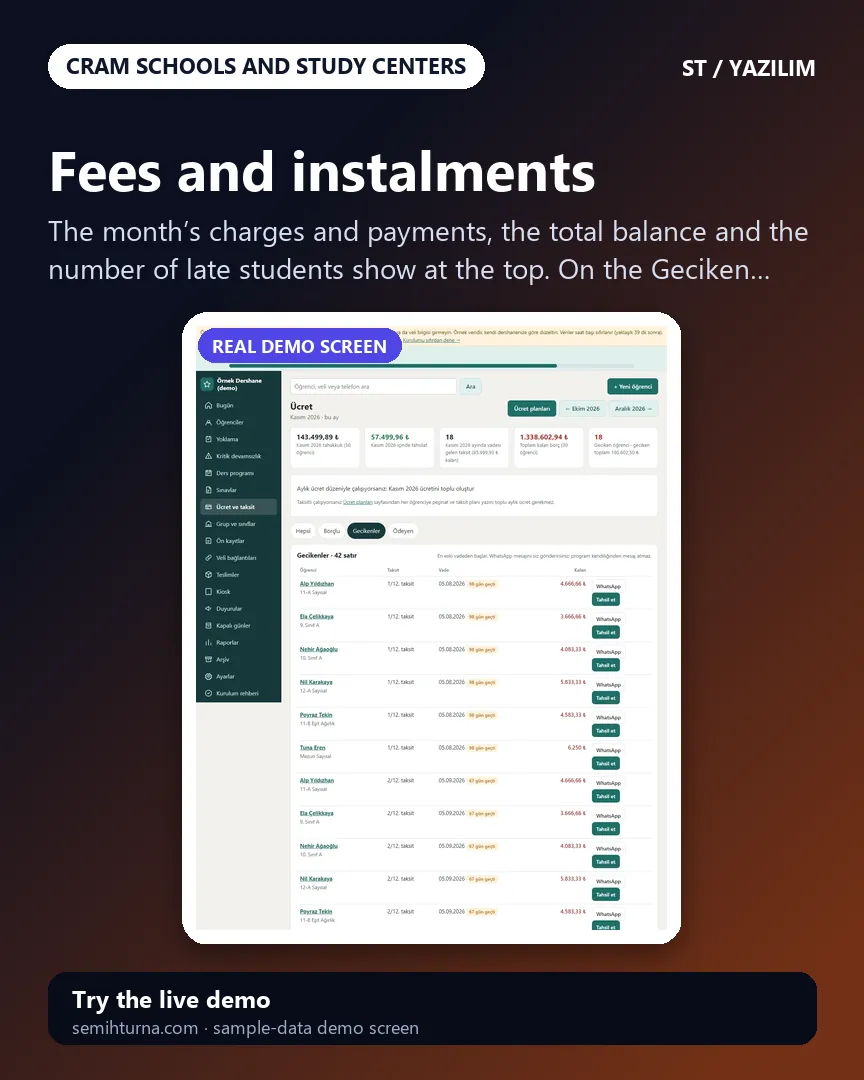
Collect and receipt: part payments, the payment method, a printable receipt; late instalments are listed with the days late and each row opens a ready WhatsApp reminder. The program takes no payment.
Class timetable: a weekly table, group, teacher and classroom filters, printing; the same teacher, group or classroom clashing raises a warning when saving.
Mock exams: a TYT, AYT or LGS template or your own sections, a wrong-answer coefficient, results per student × section, the net, rank and averages, importing results from Excel/CSV and a progress chart.
Enrolment funnel: Yeni görüşme, Aranacak, Olumlu, Kesin kayıt; “Kesin kayda dönüştür” opens the student and moves on to the instalment plan; a public pre-enrolment form.
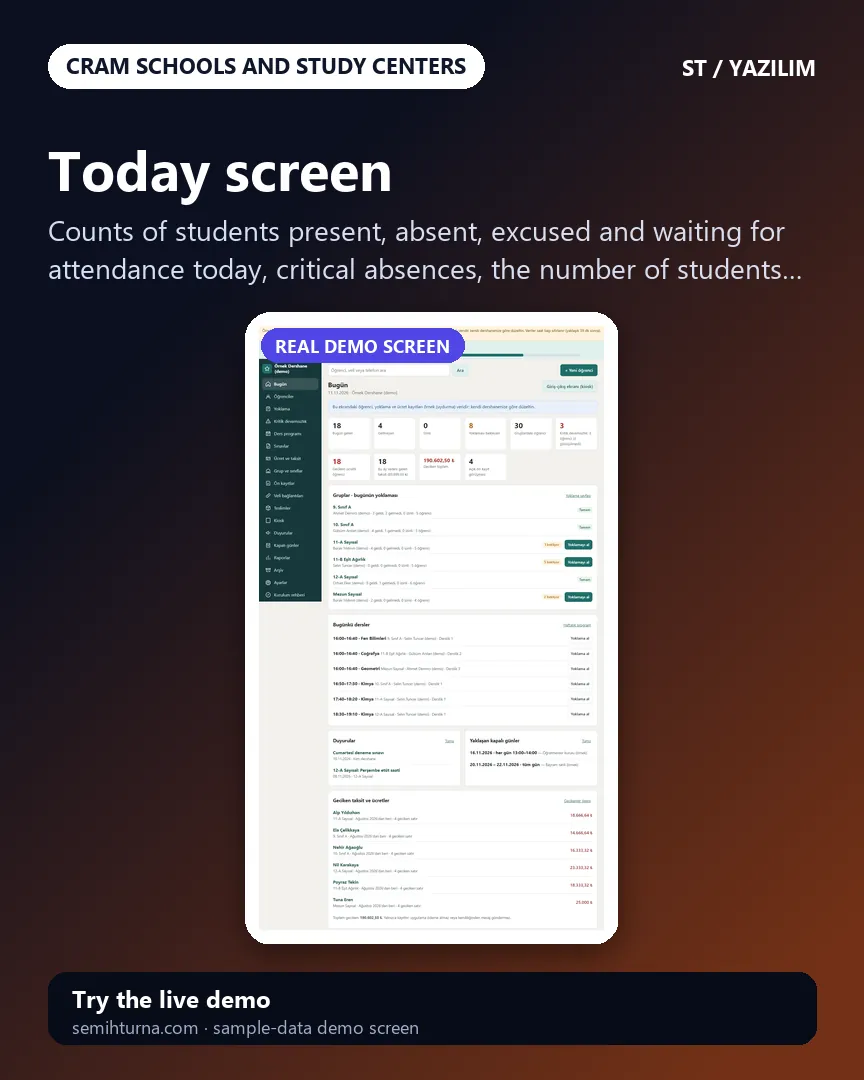
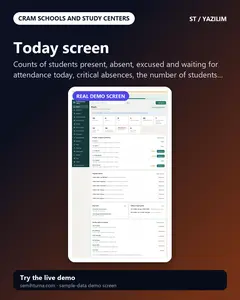
Attendance, a critical-absence list with a “Görüşüldü” record, handing out (loans), an activity log, an archive and restoring deleted students.
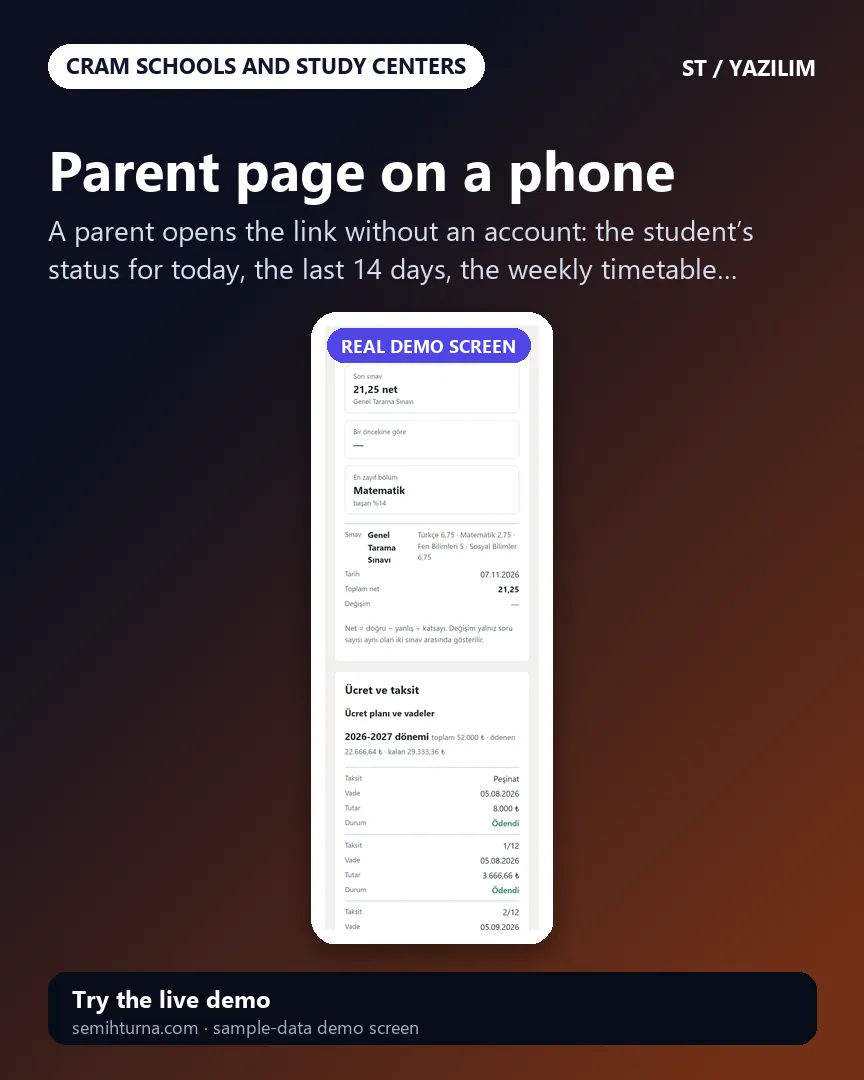
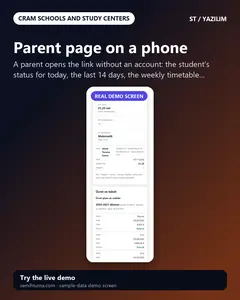
Parent page (no sign-in): their own student’s attendance, timetable, exams, instalments and announcements; roles, importing from Excel/CSV, a setup guide and installing on a phone and computer.
How it works
Write the groups and students
Open a group; add a student with a name, group and parent details, or import your Excel/CSV list.
Set up the instalment plan
Split the term fee into a down payment and instalments with the wizard, check the preview and confirm; record payments with Tahsil et as they arrive.
Enter the timetable and mock exams
Write the weekly timetable and look at the clash warnings; enter the results of a mock exam or import them by CSV.
Send the parent the link
Send each student’s sign-in-free parent link with a ready WhatsApp message or hang the QR poster.
Small single-branch cram schools, study centers and course centers
Schools that keep instalments in a notebook or Excel, the timetable by hand and update parents by phone
Those who want each teacher to see only their own groups
Does not suit
Those who want automatic SMS or WhatsApp sending
Those who look for card payment of instalments over the internet, e-invoice, an optical reader, a turnstile or fingerprint device, MEB and e-Okul reporting or a multi-branch set-up
What is not included, and limits
Not delivered to a client and not used by a real school; the school, students, parents, phone numbers and amounts on the screens are made up.
There is no automatic SMS or WhatsApp: a ready WhatsApp text opens and the school sends it from its own phone; only the phone notification (Web Push) goes on its own.
There is no card payment over the internet, e-invoice, optical reader, turnstile and fingerprint device, AI call center, MEB and e-Okul integration or multi-branch use; the program takes no payment, it only records.
A real Web Push delivery, iPhone/Safari, Firefox and a real phone have not been tried; it was run on a single hosting account and PHP 8.3 only.
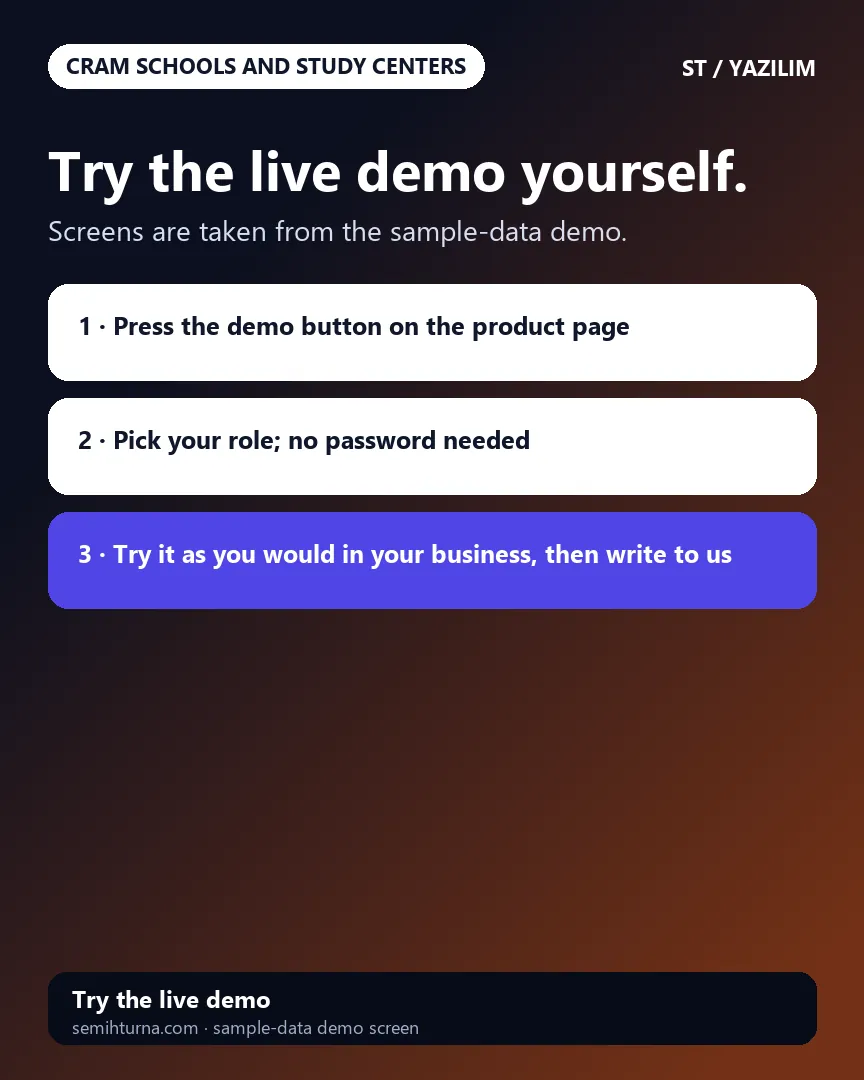
In the demo the data is reset every hour; sign-in is without a password through role buttons. The interface is in Turkish.
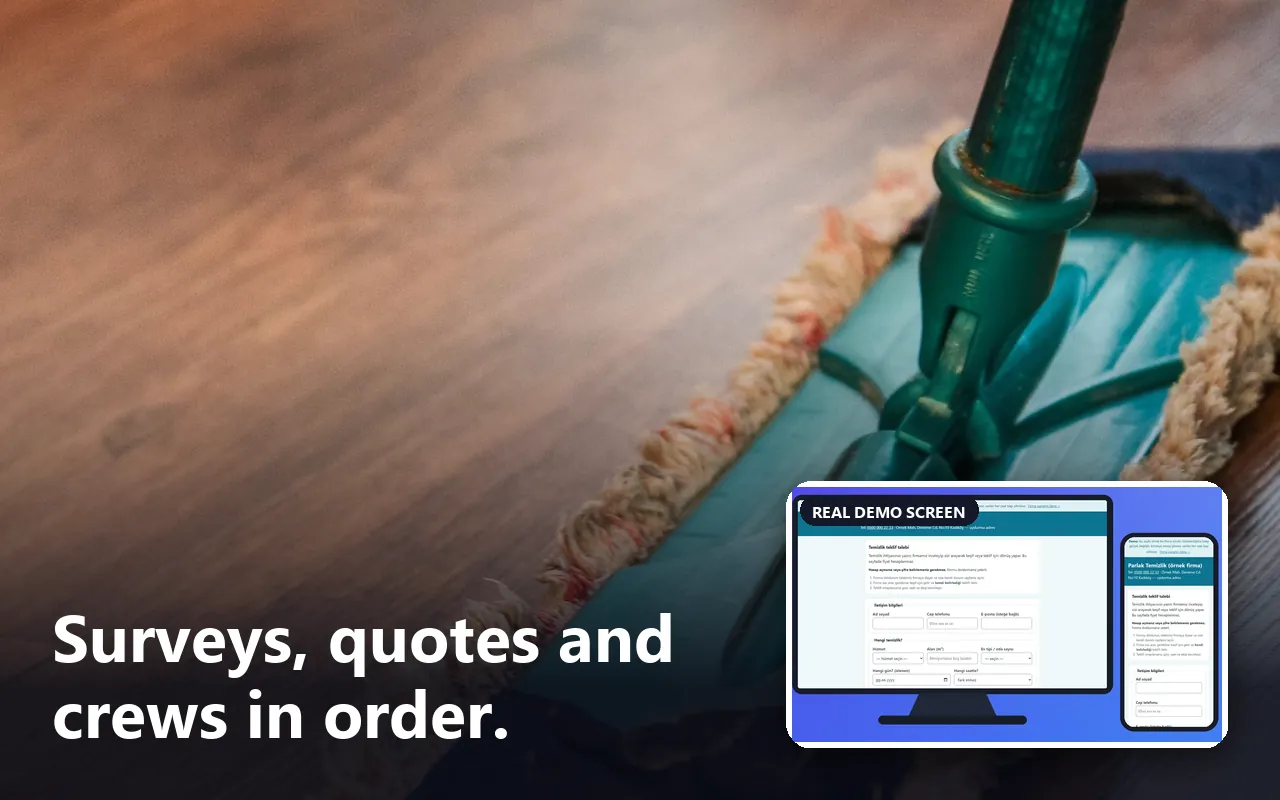
A request page for customers, a survey and job calendar, crew assignment and recurring service series for cleaning firms.
Who it is for: Firms that clean homes, offices, apartment buildings and post-construction sites
A customer writes a request without an account and follows the stage on their own status page; itemised quotes and survey appointments
A clashing job for the same crew is warned about; weekly and monthly services run as a series; the crew taps On the way, Started and Finished on its phone
Hand-entered payment and expense records and ready WhatsApp messages; takes no payments, no automatic SMS or GPS