- Who uses it?
- A boutique owner or home-business seller who takes orders on Instagram, WhatsApp and by phone, and an assistant; the customer who looks at the catalogue.
- Where do they start?
- The seller puts the catalogue link on Instagram and WhatsApp. When an order arrives, they sign in to the panel with their e-mail and password and press “Yeni sipariş gir” (new order) on the Today screen.
What do they do on screen? Step by step
-
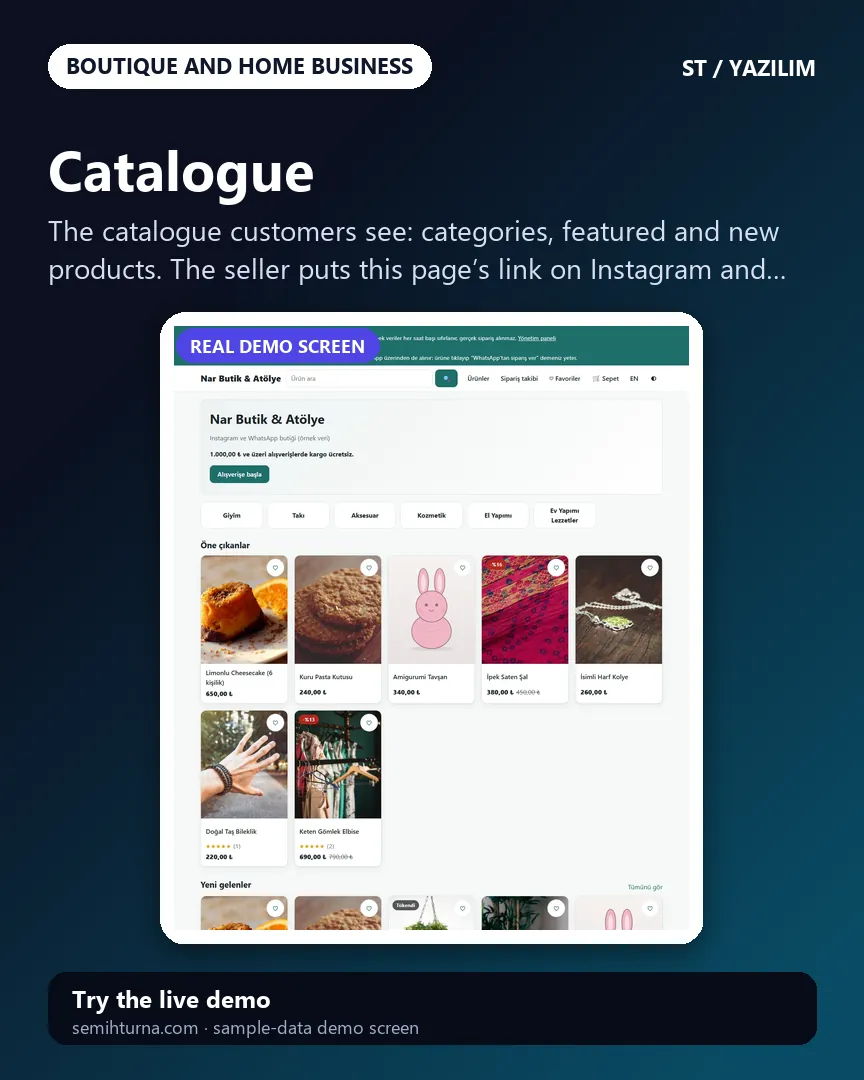
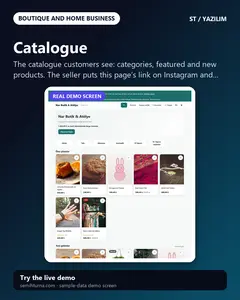
Catalogue
The catalogue customers see
-
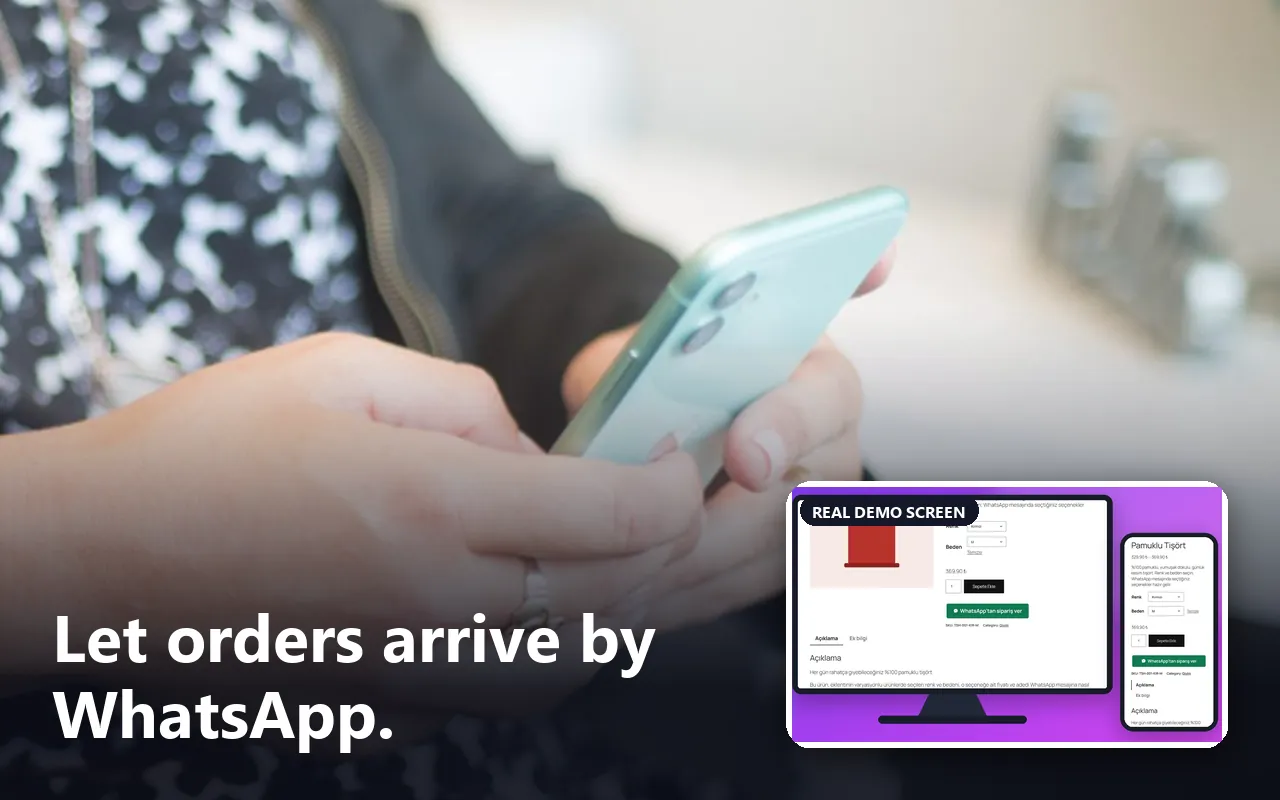
Product page and ordering on WhatsApp
Colour and size are chosen and stock is shown
-
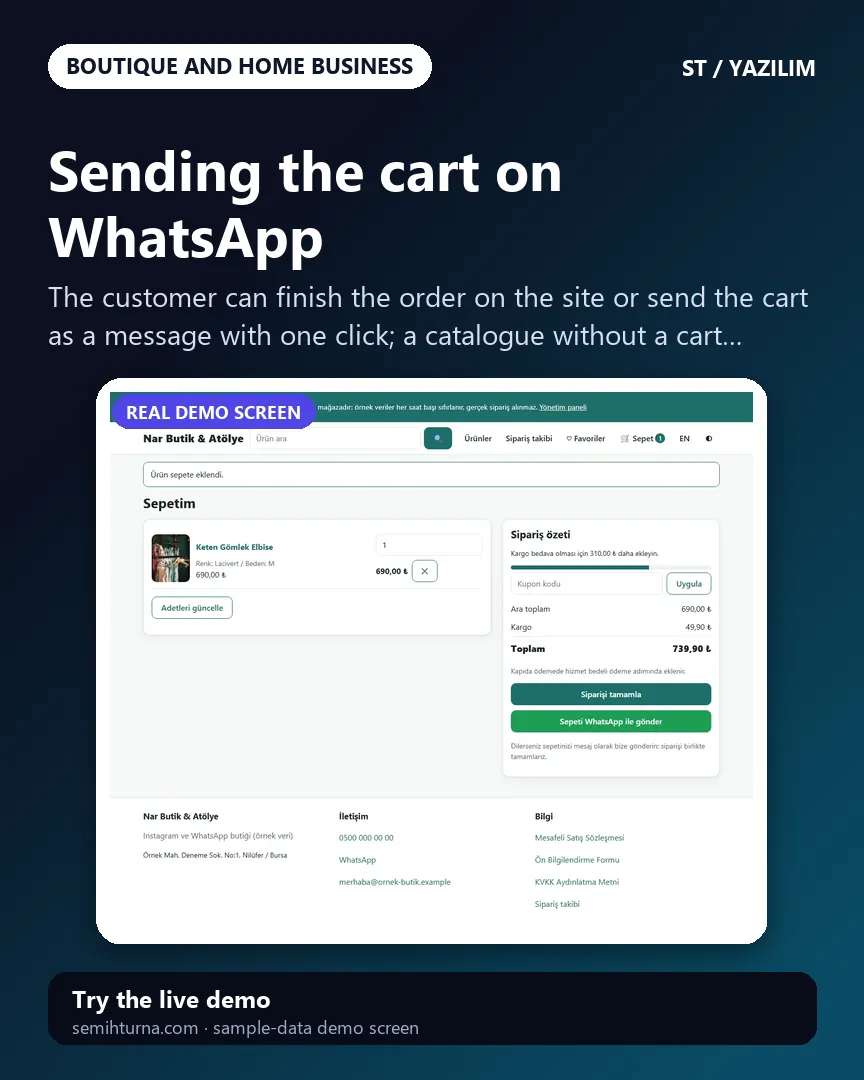
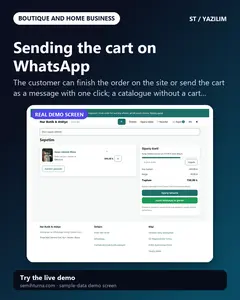
Sending the cart on WhatsApp
The customer can finish the order on the site or send the cart as a message with one click
-
Today screen
Sales today, money collected today, open balance, orders to ship and critical stock
-
Quick order form
An order that came by DM
-
The saved order
Stock goes down, the deposit goes in the payment book and the balance is shown
- What do they see at the end?
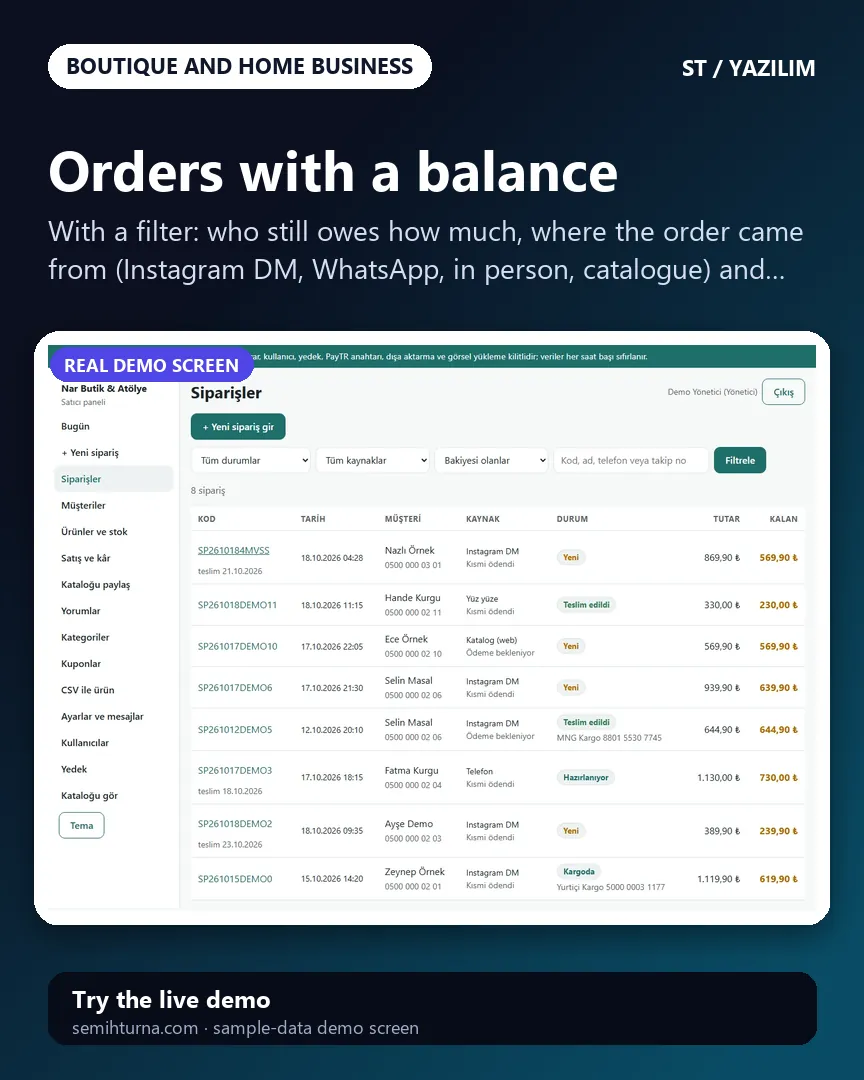
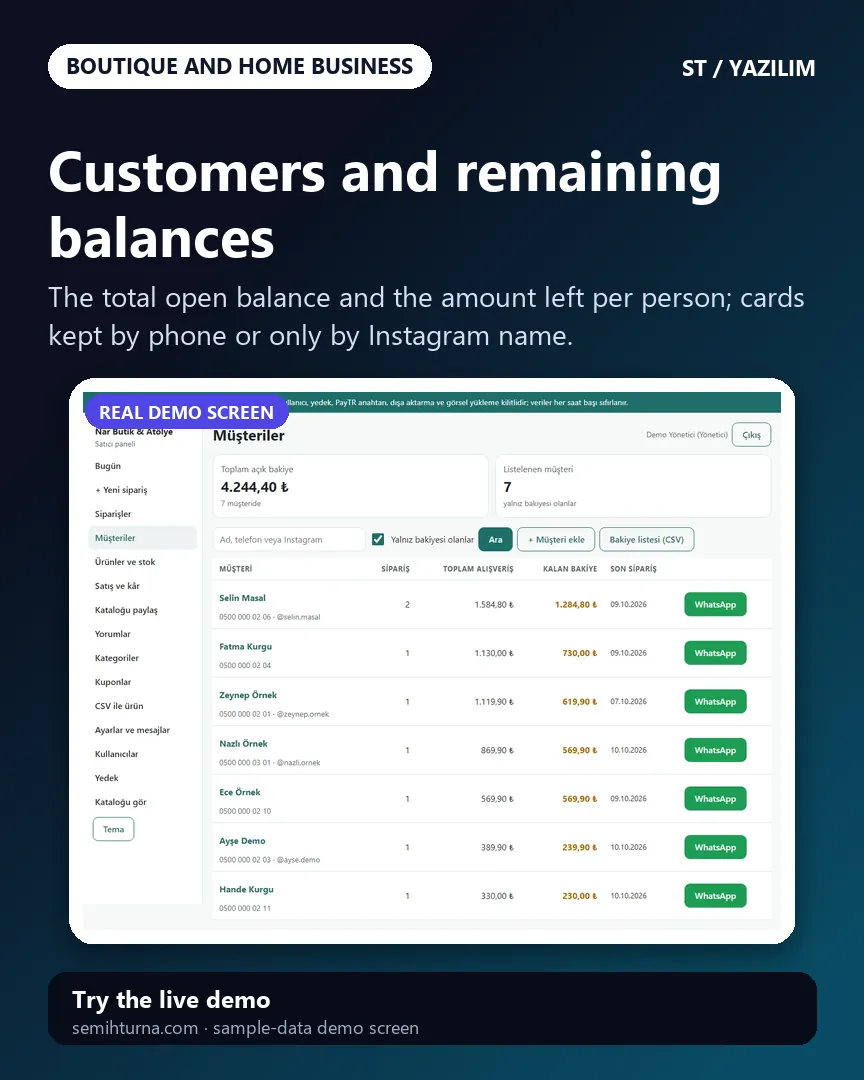
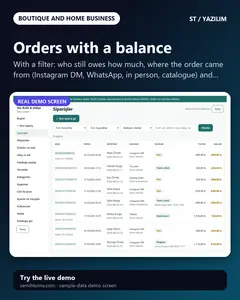
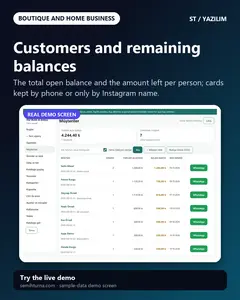
- The order is saved and stock goes down; the deposit and remaining balance show on the customer’s card; once the cargo details are entered the message for the customer is ready; returns, daily sales, money collected and estimated profit are followed in the same panel.
- What is it good for?
- The order, the deposit, what is still owed and the tracking number do not scatter across DMs and notebooks, and stock and the day’s figures are not kept by hand.