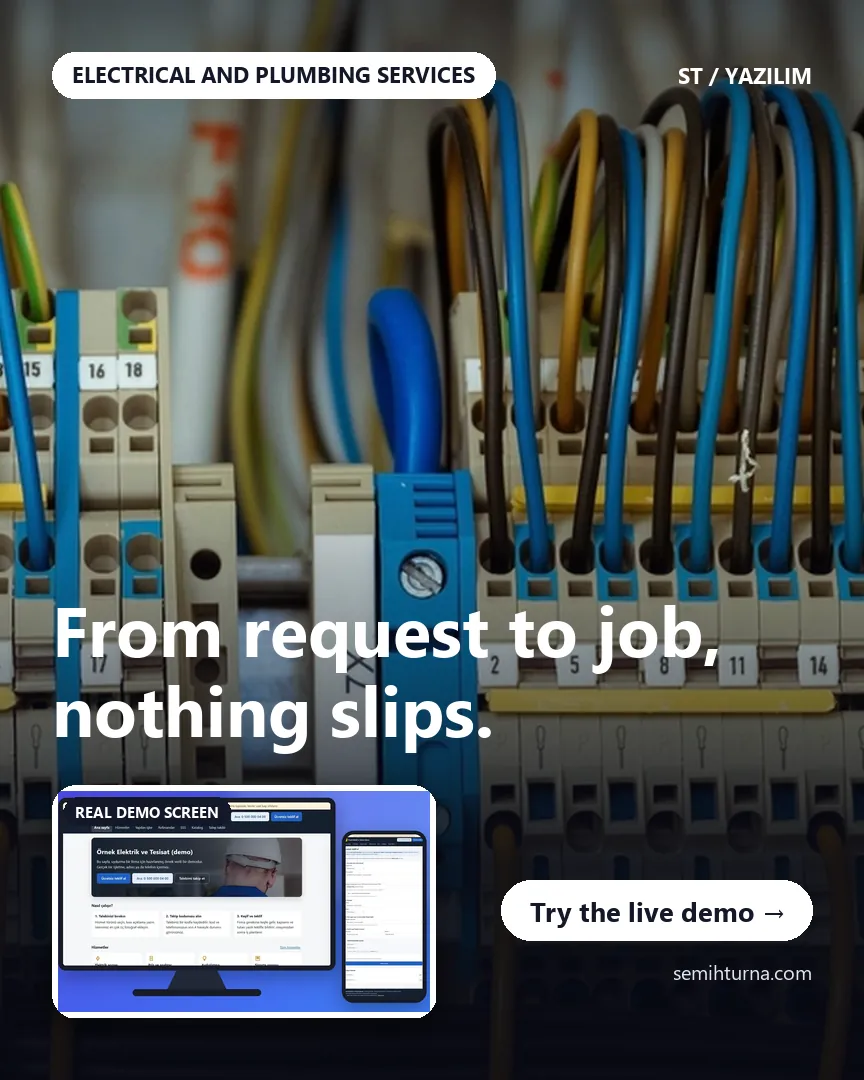
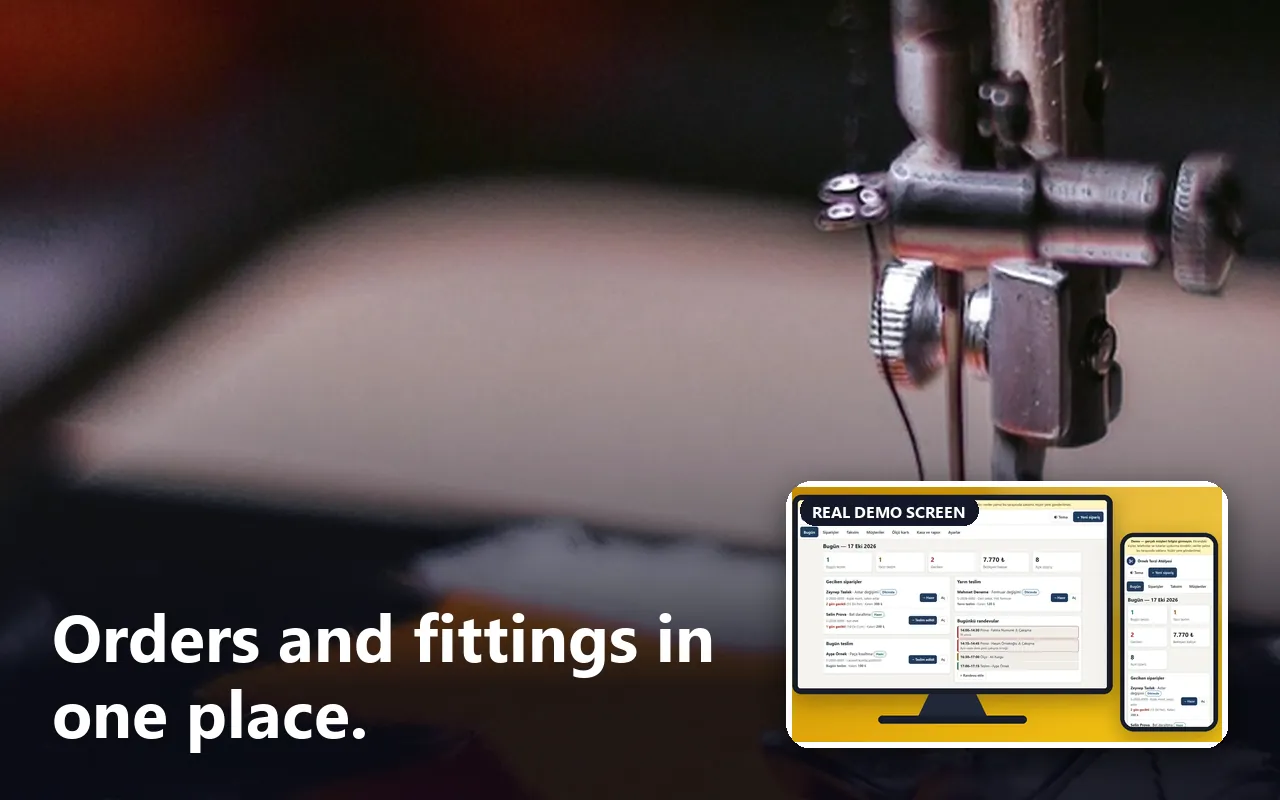
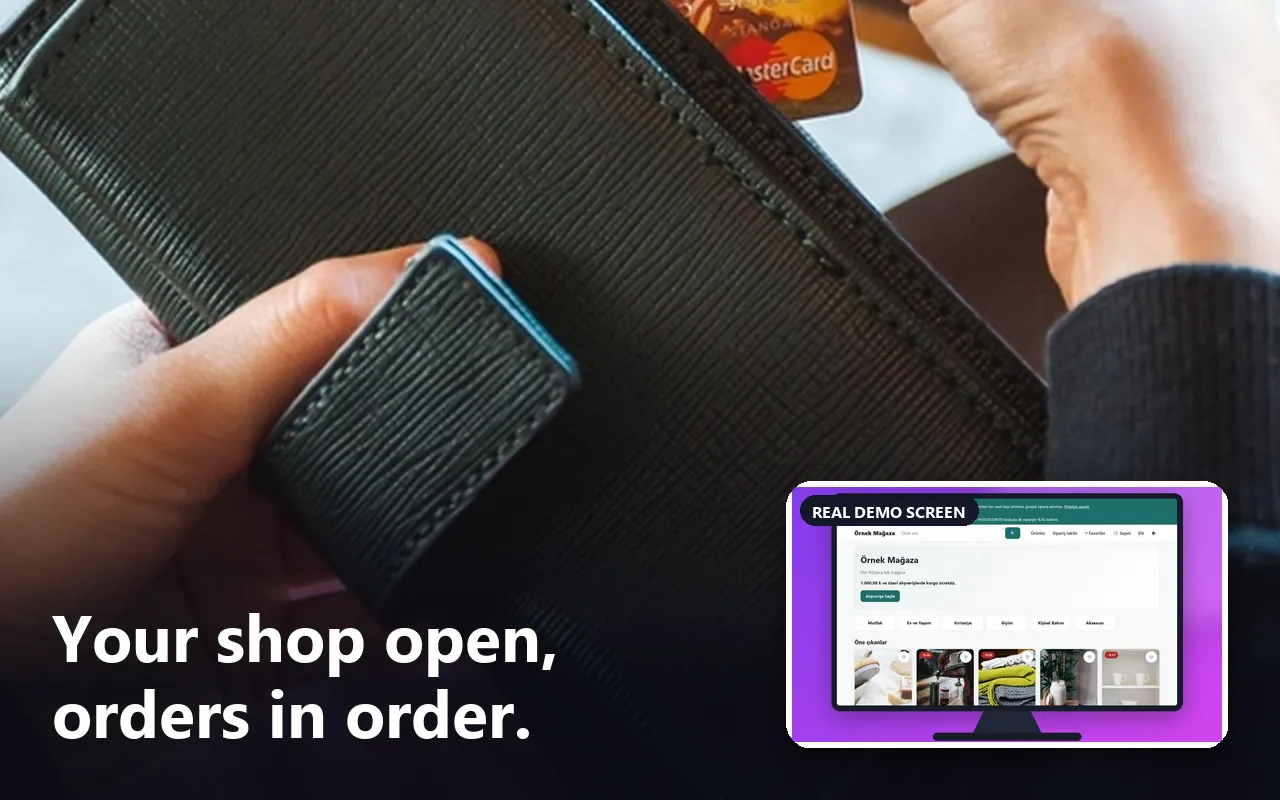
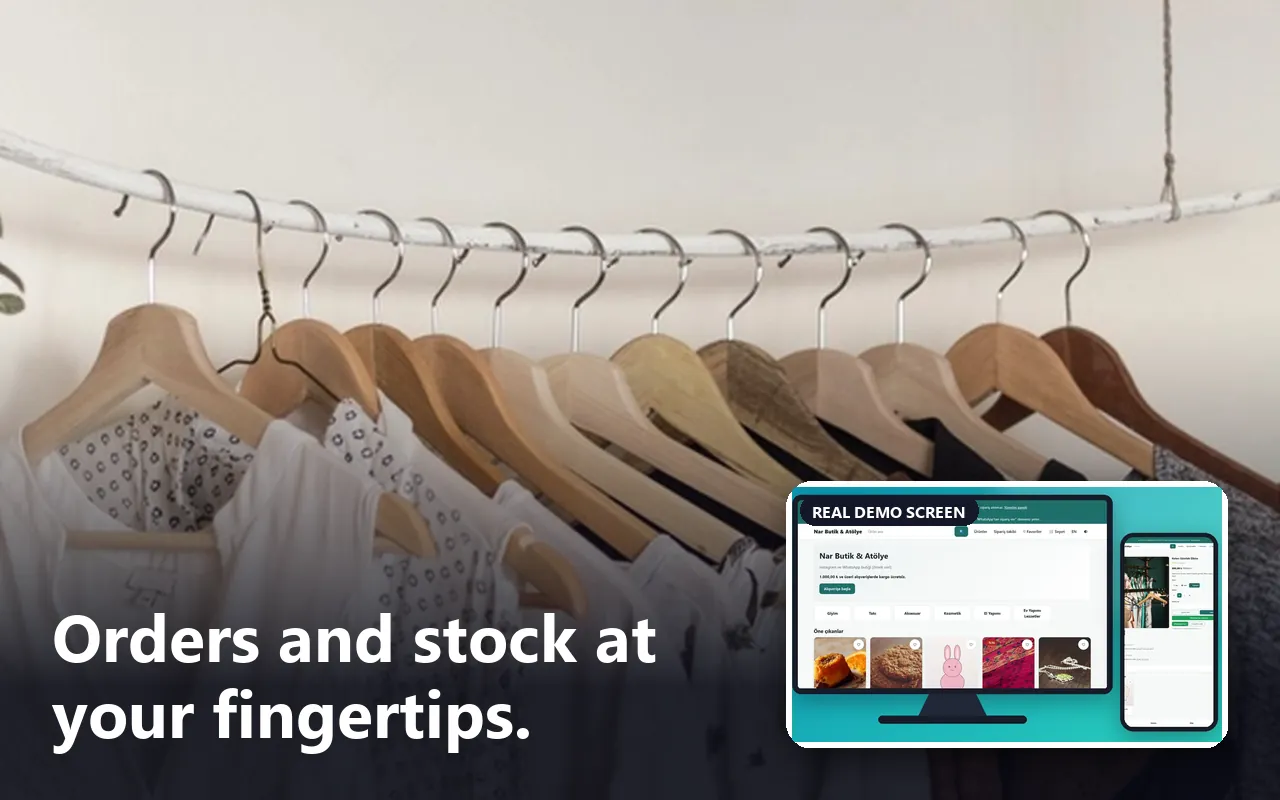
- Who uses it?
- On the customer side, the person leaving a request; on the business side, the firm’s owner or manager and the staff who handle requests.
- Where do they start?
- The customer presses “Free quote” on the home page, fills in the form and gets a tracking code; a staff member signs in to the panel and sees the request in the inbox.
What do they do on screen? Step by step
-
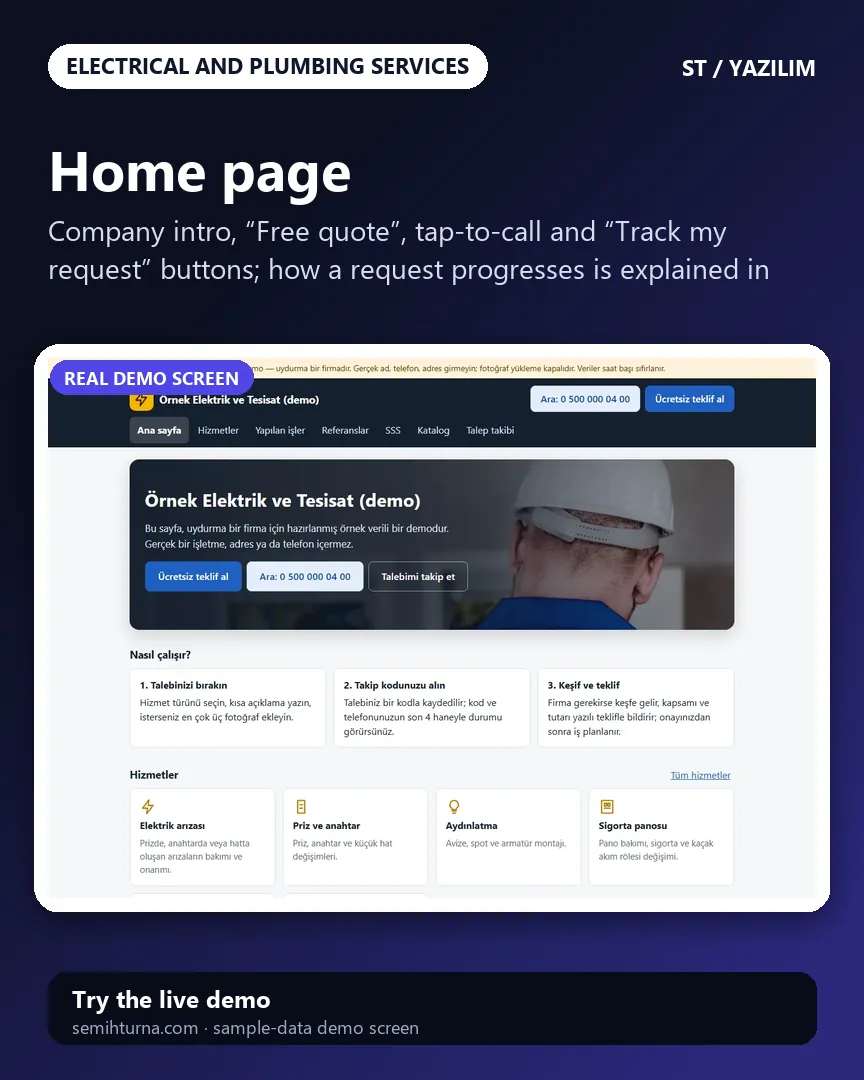
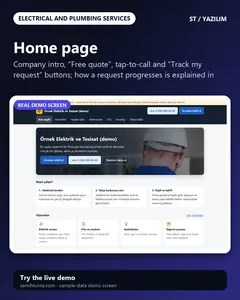
Home page
Company intro, “Free quote”, tap-to-call and “Track my request” buttons
-
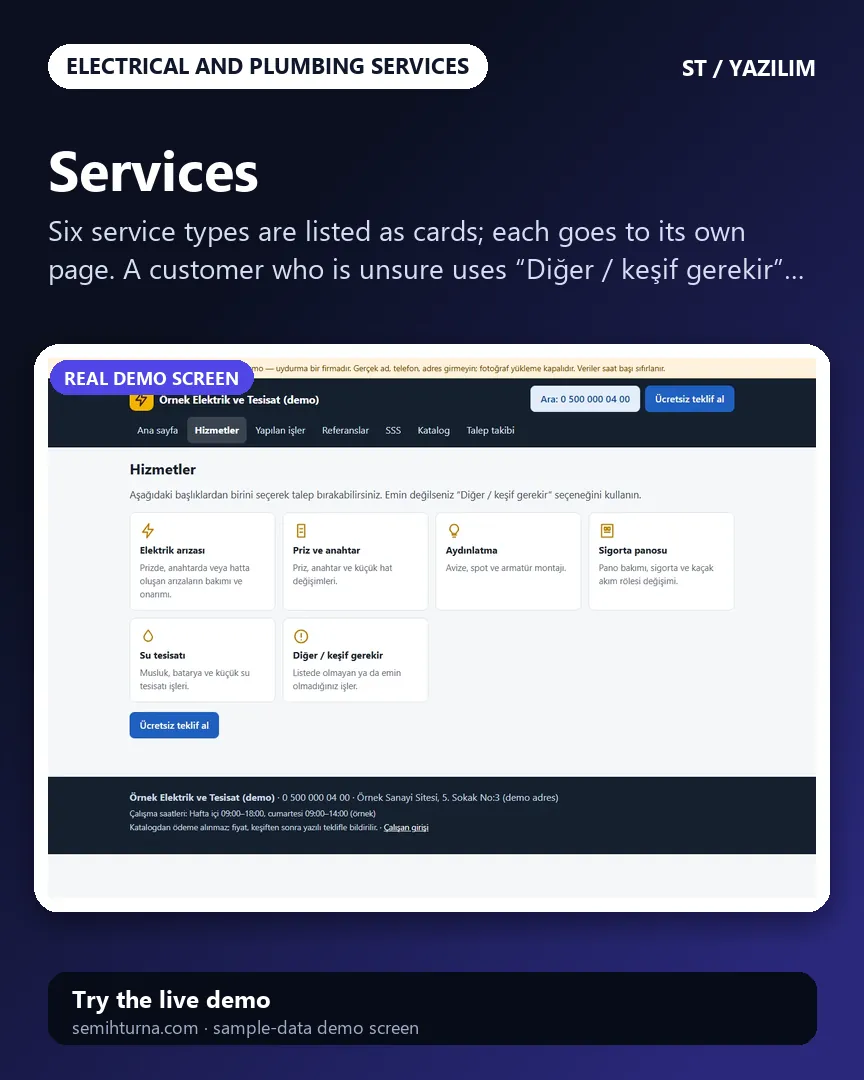
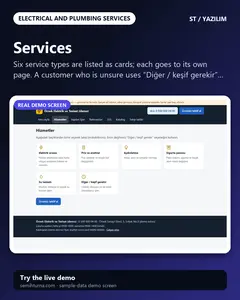
Services
Six service types are listed as cards
-
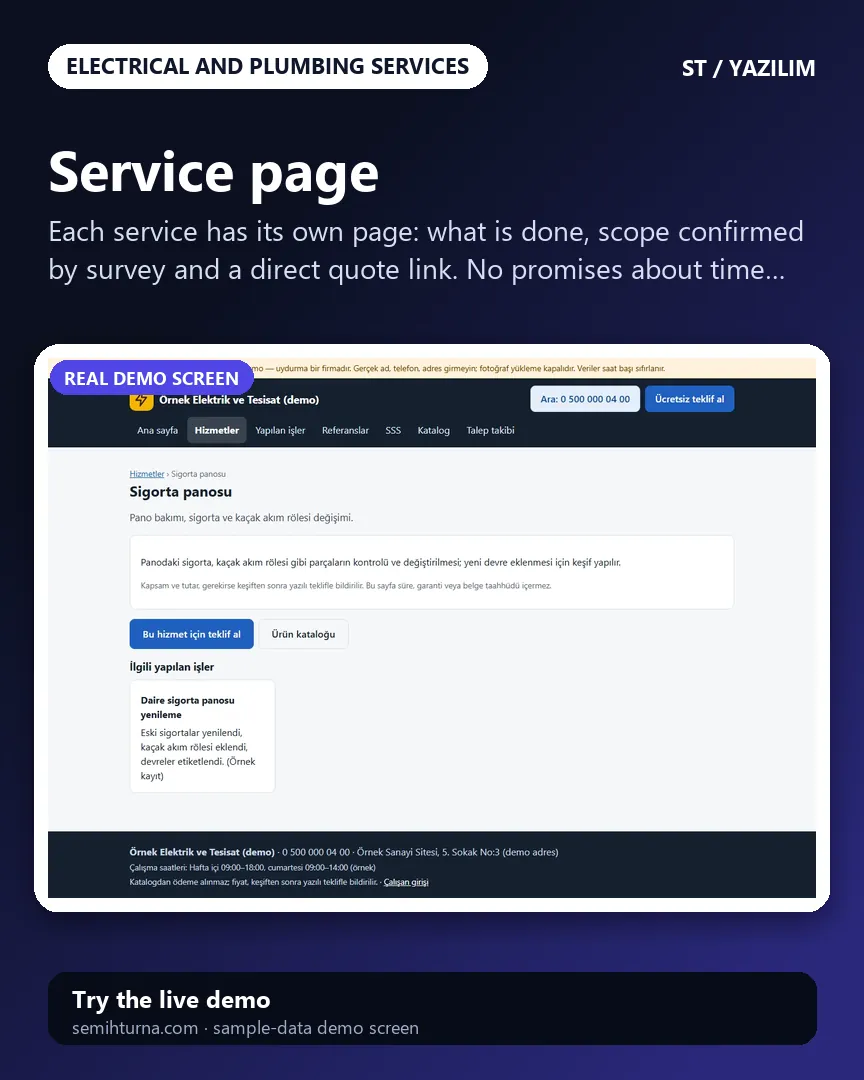
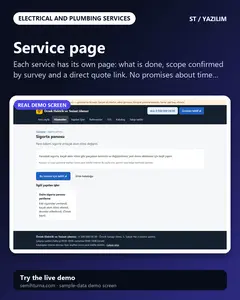
Service page
Each service has its own page
-
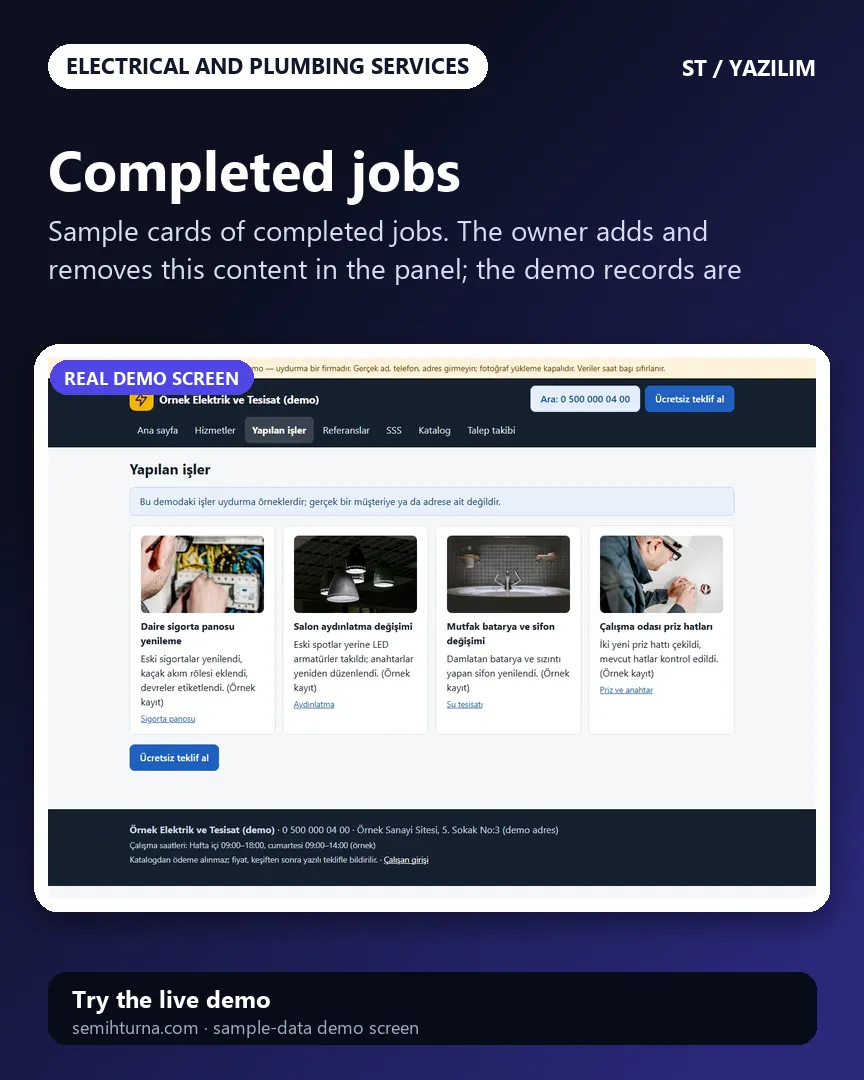
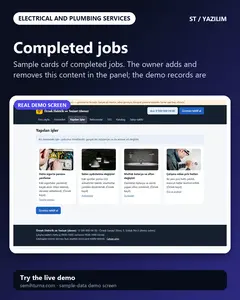
Completed jobs
Sample cards of completed jobs. The owner adds and removes this content in the panel
-
Product catalogue
A catalogue with category and search filters. No prices are shown and no payment is taken
-
Quote list
Added products are kept in the session and carried to the quote form
- What do they see at the end?
- Every request shows the customer, address, photos, requested products, survey and quote notes, technician and schedule, items, payments and history together; the customer follows the status with the tracking code and the last 4 digits of their phone.
- What is it good for?
- Requests do not scatter across phone calls and WhatsApp; customers do not have to call to ask where their job is; the quote, approval, technician schedule, stock and payments are recorded in one place.