- Who uses it?
- The owner and staff of a tailor, alteration or curtain workshop, who take orders, write down measurements and follow deliveries.
- Where do they start?
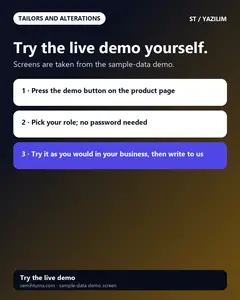
- Open the demo address; when an order is taken, pick the customer and type of work and enter the price, deposit and delivery date.
What do they do on screen? Step by step
-
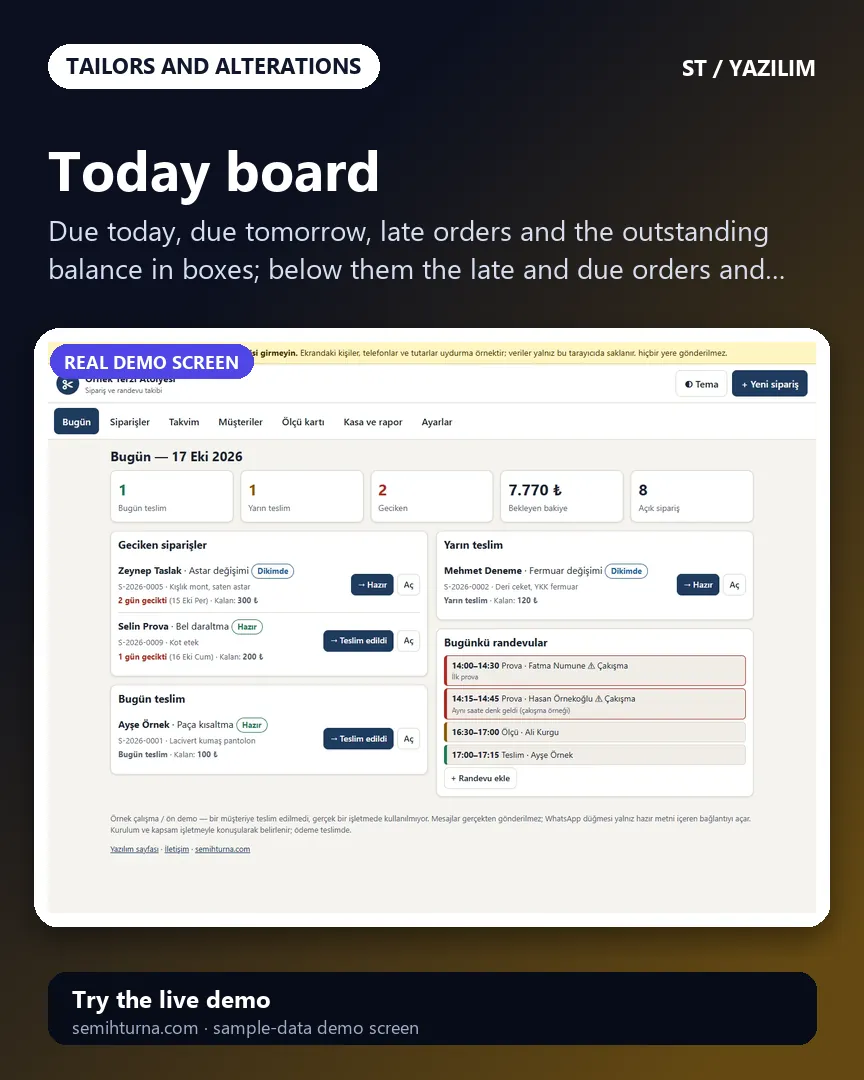
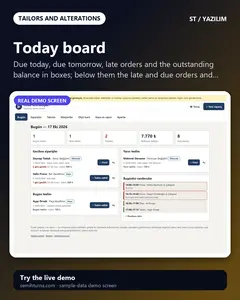
Today board
Due today, due tomorrow, late orders and the outstanding balance in boxes
-
Order list
Filter by status
-
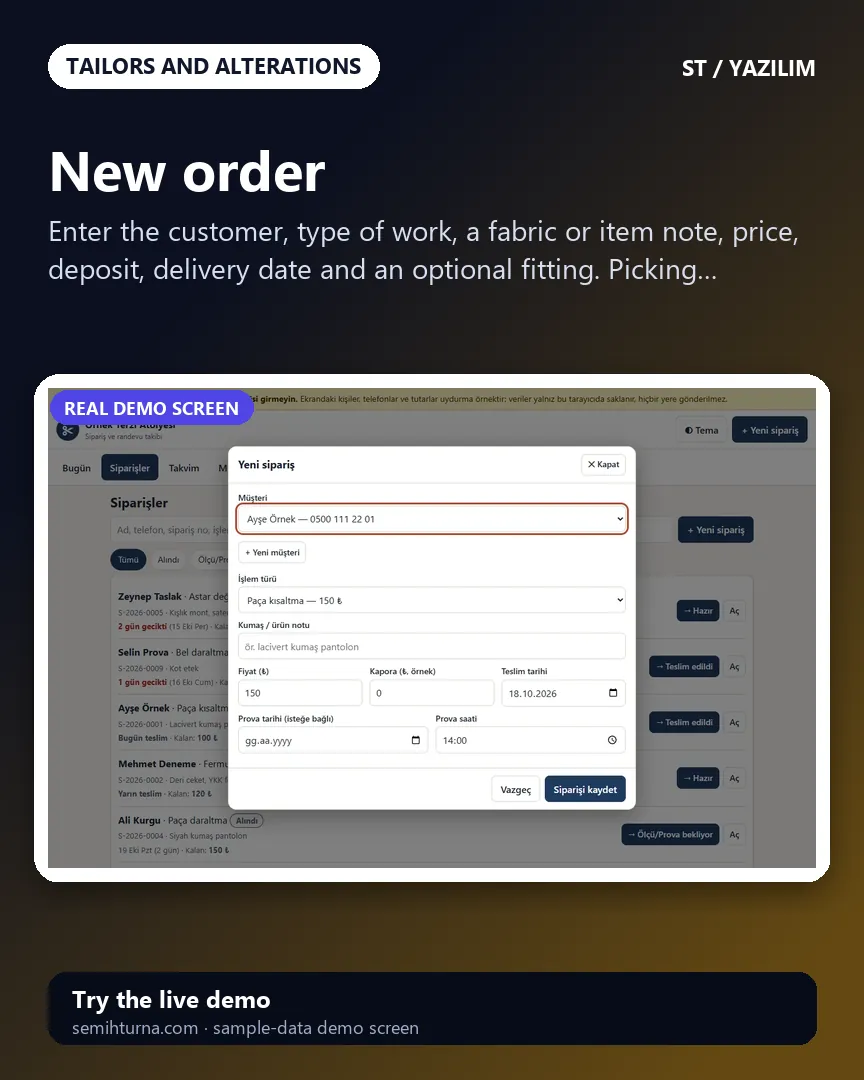
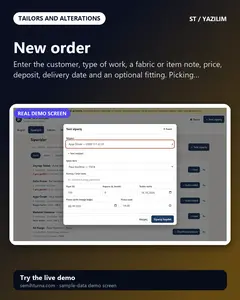
New order
Enter the customer, type of work, a fabric or item note, price, deposit, delivery date and an optional fitting. Picking a type of work fills in the price and…
-
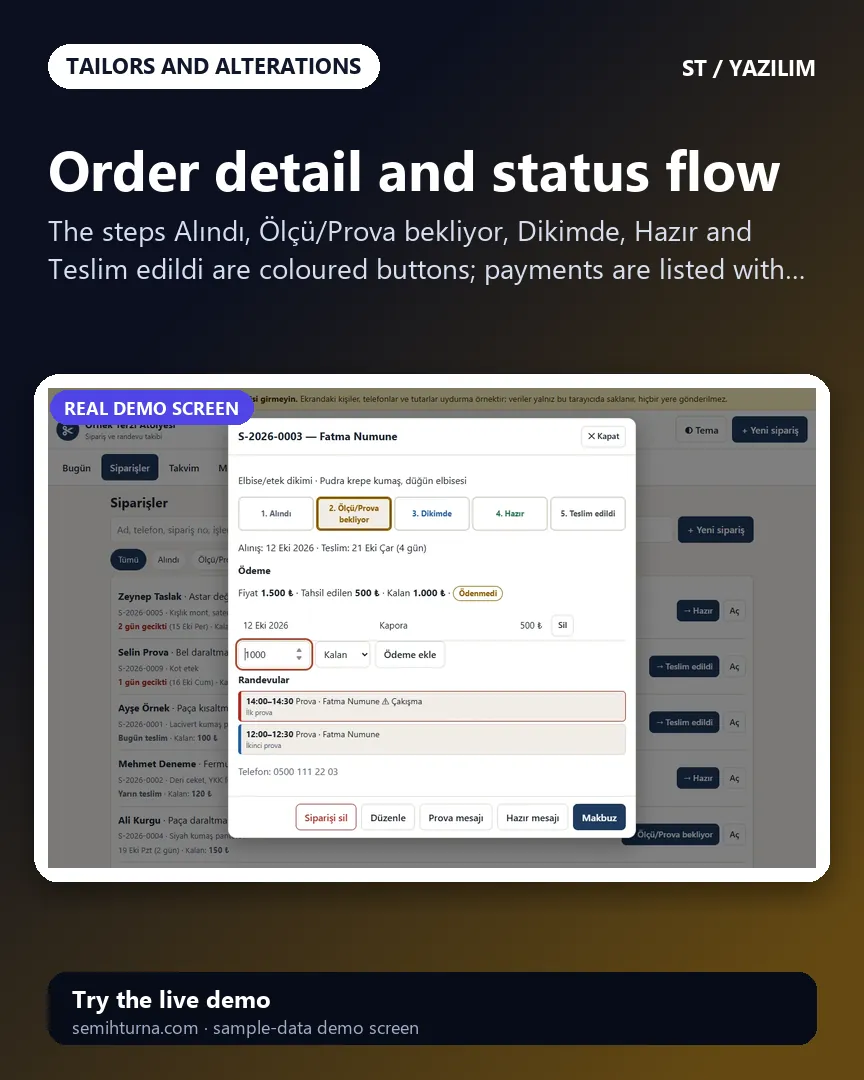
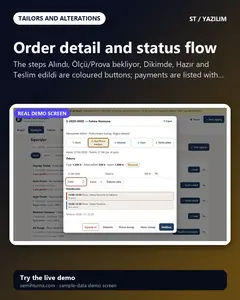
Order detail and status flow
The steps Alındı, Ölçü/Prova bekliyor, Dikimde, Hazır and Teslim edildi are coloured buttons
-
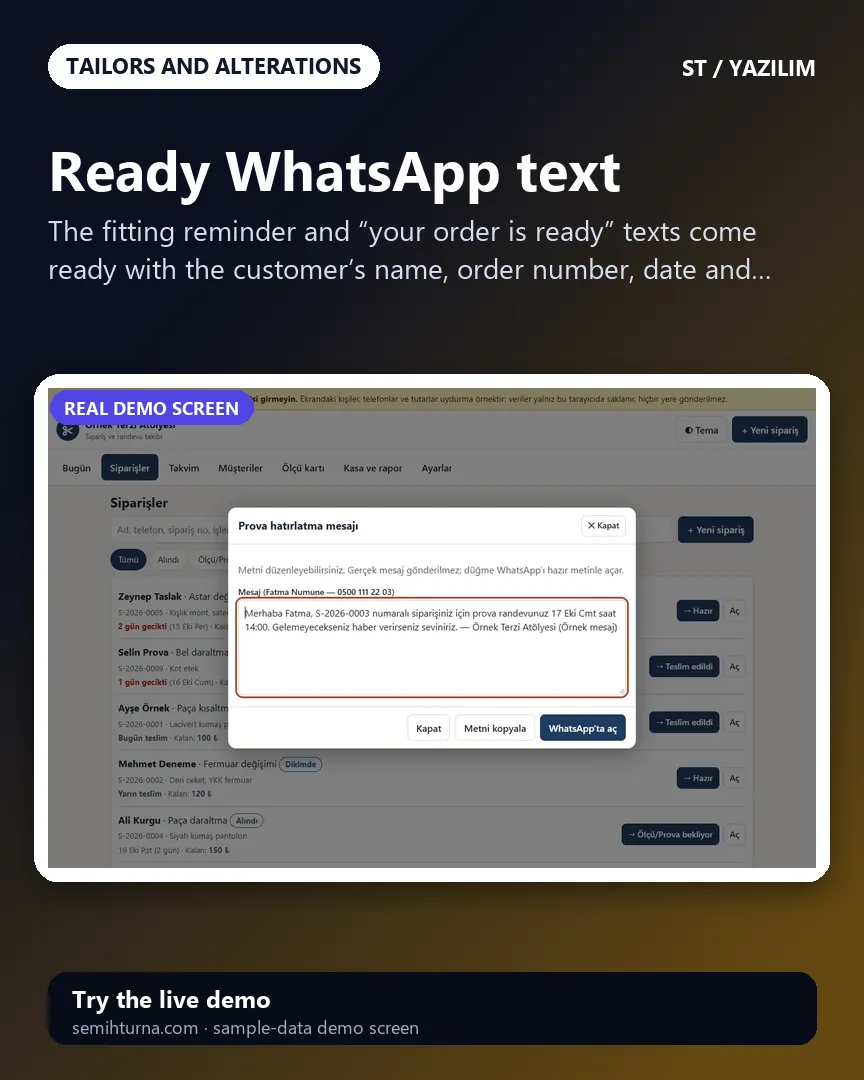
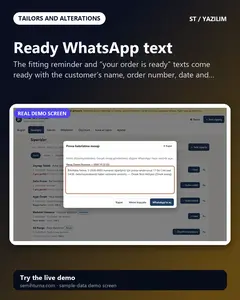
Ready WhatsApp text
The fitting reminder and “your order is ready” texts come ready with the customer’s name, order number, date and remaining amount
-
Order receipt
A numbered receipt with the business name and details
- What do they see at the end?
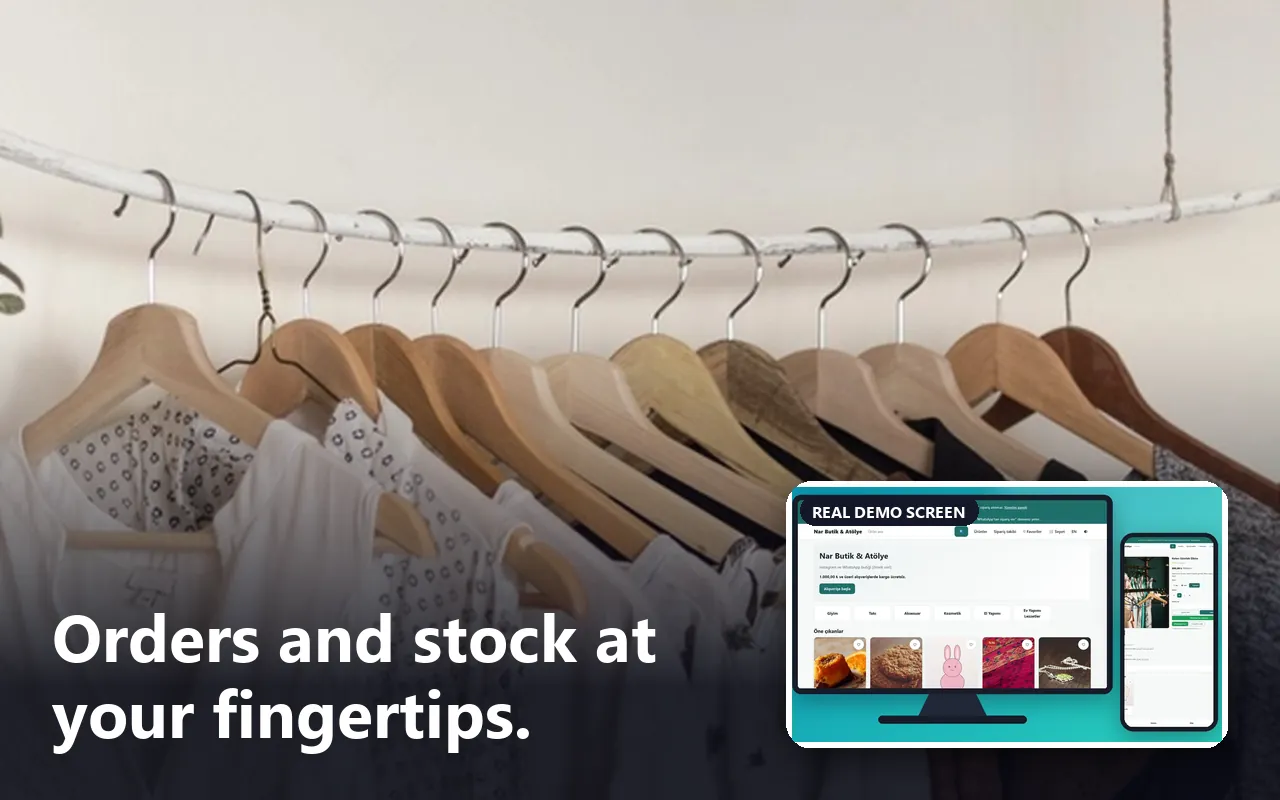
- Each order shows its status, remaining balance and delivery date; what is due today, tomorrow and late sits on a board, and fitting and delivery times sit on a calendar.
- What is it good for?
- Orders, measurements, fitting times and deposits do not scatter across a ledger and scraps of paper; what is due when and how much balance is owed can be followed in one place.