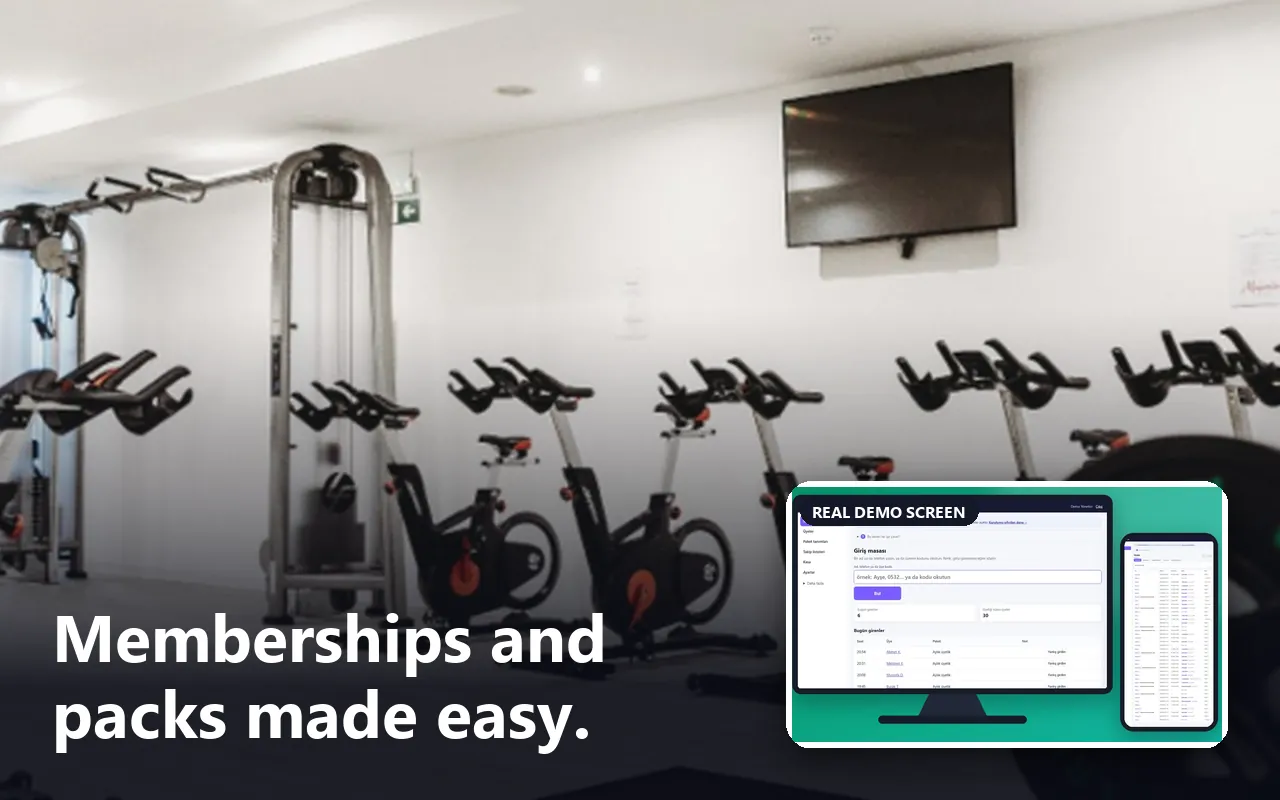
- Who uses it?
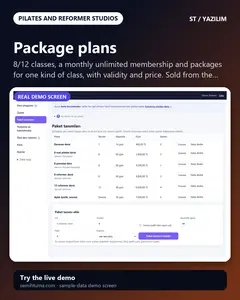
- The member who asks for a place; the studio owner or reception who manage classes, places, packages, attendance and reports; the instructor, who sees only their own classes.
- Where do they start?
- The member opens the studio’s showcase page and taps “Dersleri görün, yer talep edin” (see the classes and ask for a place). The studio signs in with the demo button on the sign-in page or with an e-mail and password; a new installation opens the step-by-step setup first, then the class schedule.
What do they do on screen? Step by step
-
Showcase page
The studio’s page with the weekly classes, packages and private lesson types
-
The public class programme
The classes of the next 14 days
-
Name, phone and privacy tick
Under the ticked classes the member types a name and a number and accepts the privacy text
-
Request received
Nothing is booked yet
-
Following the request
A member who sends a request for one class lands straight on this page
-
Demo sign-in page
A demo notice, the manager’s fields already filled and a password-free “… olarak gir” (sign in as …) button for each role (manager, reception, instructor)
- What do they see at the end?
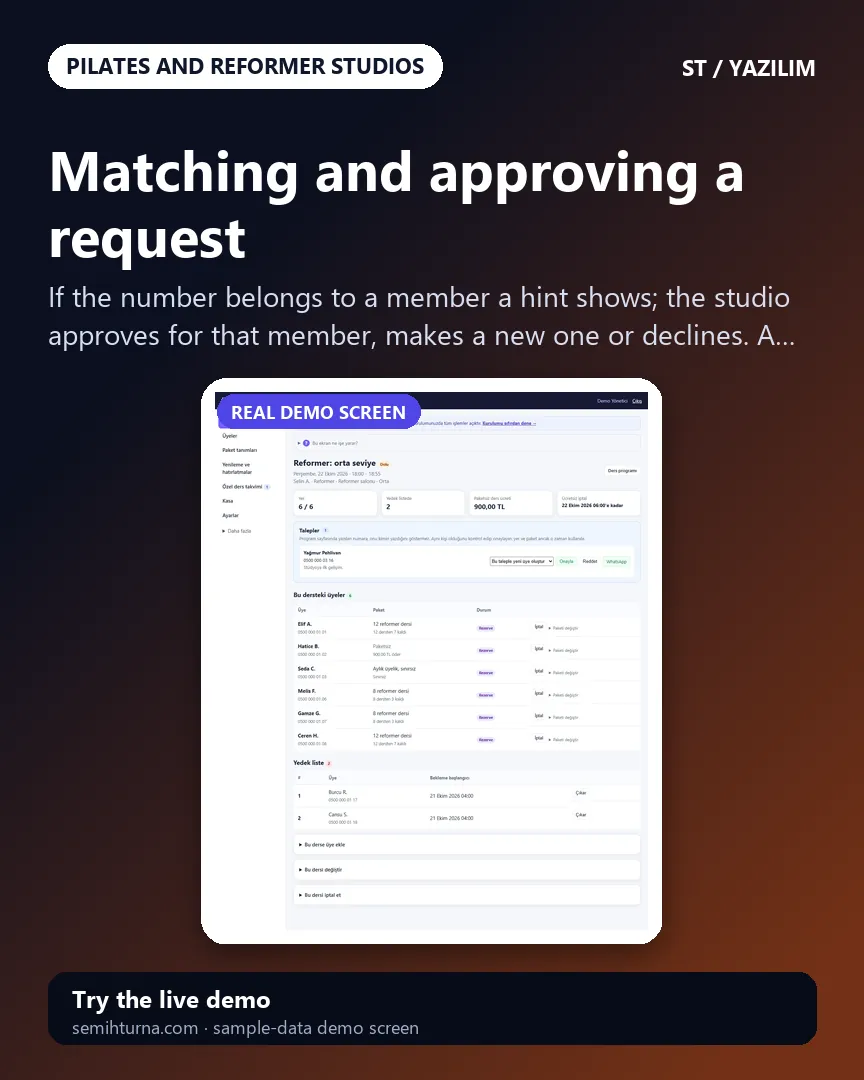
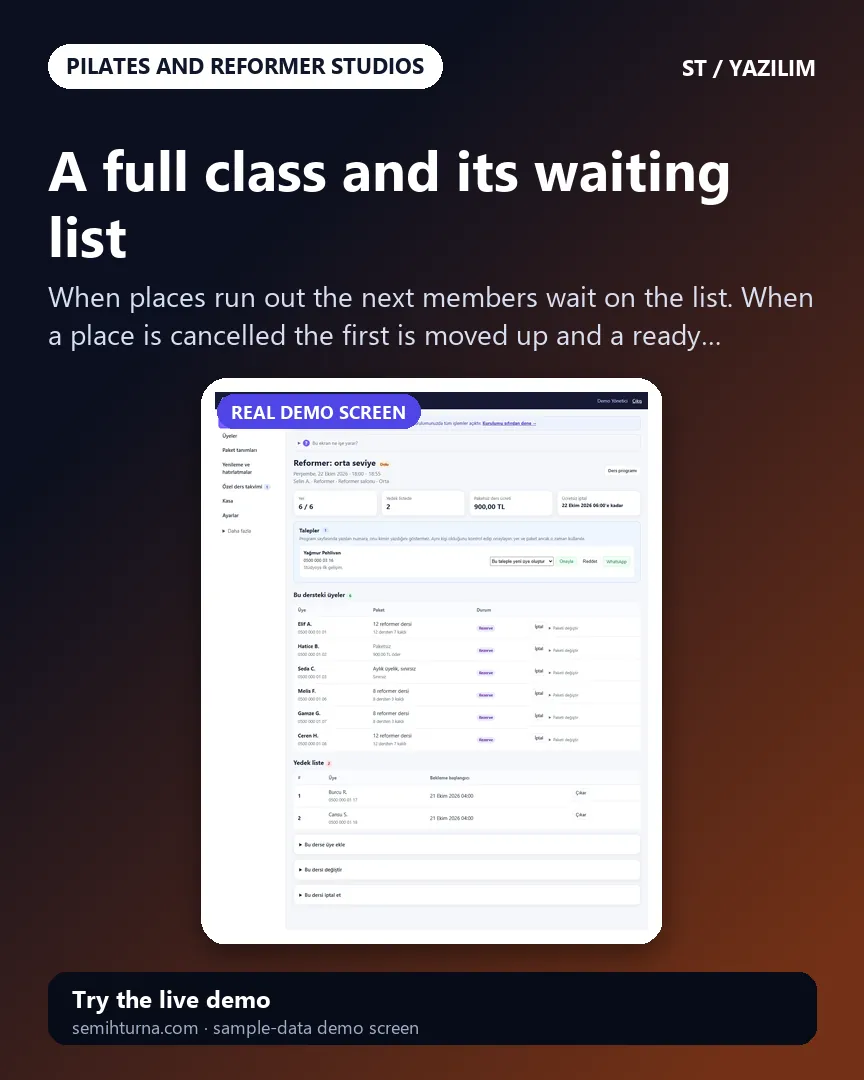
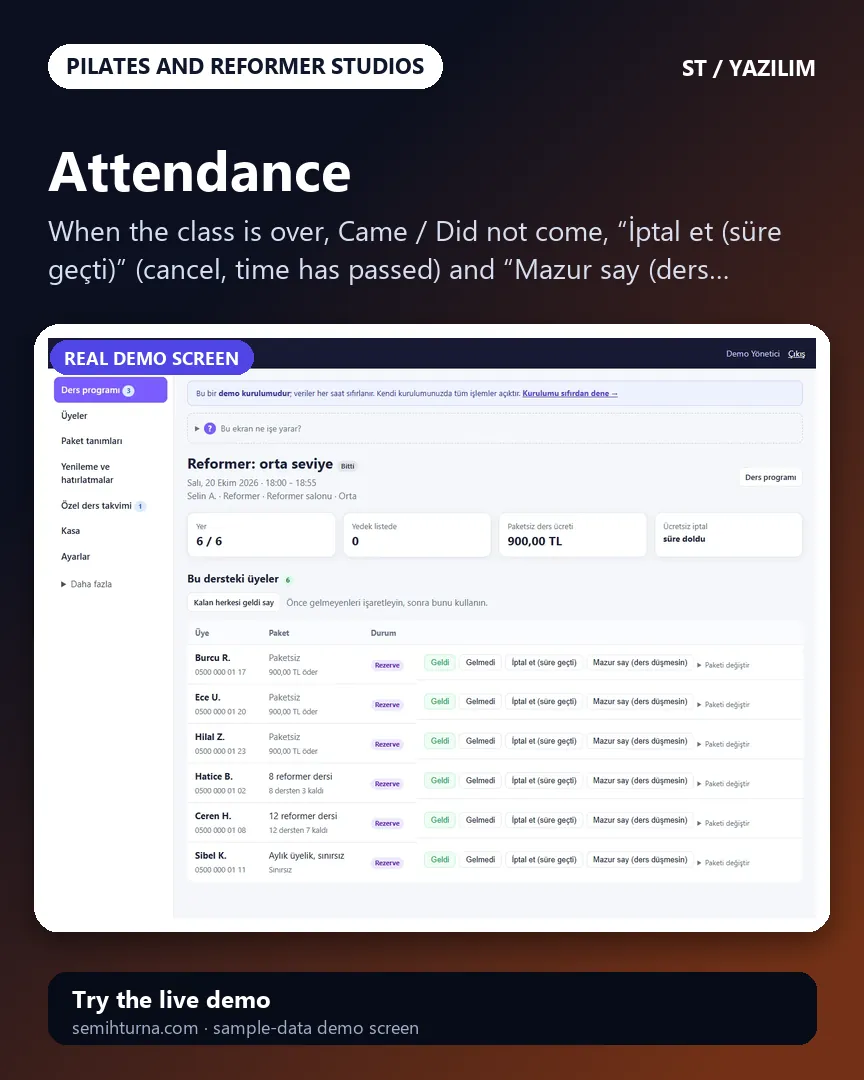
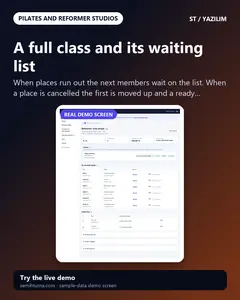
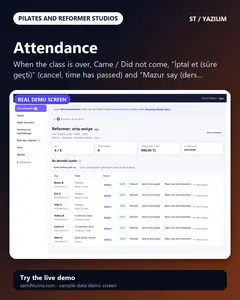
- A member’s request, once approved, takes a place in the class; in a full class they join the waiting list. A class comes off the package by attendance; reports and reminder lists are made by themselves.
- What is it good for?
- Two people are not written in for the last place, the waiting list works when somebody cancels, the classes left and the end date of a package are not forgotten, and classes and attendance per instructor are not counted by hand.