- Who uses it?
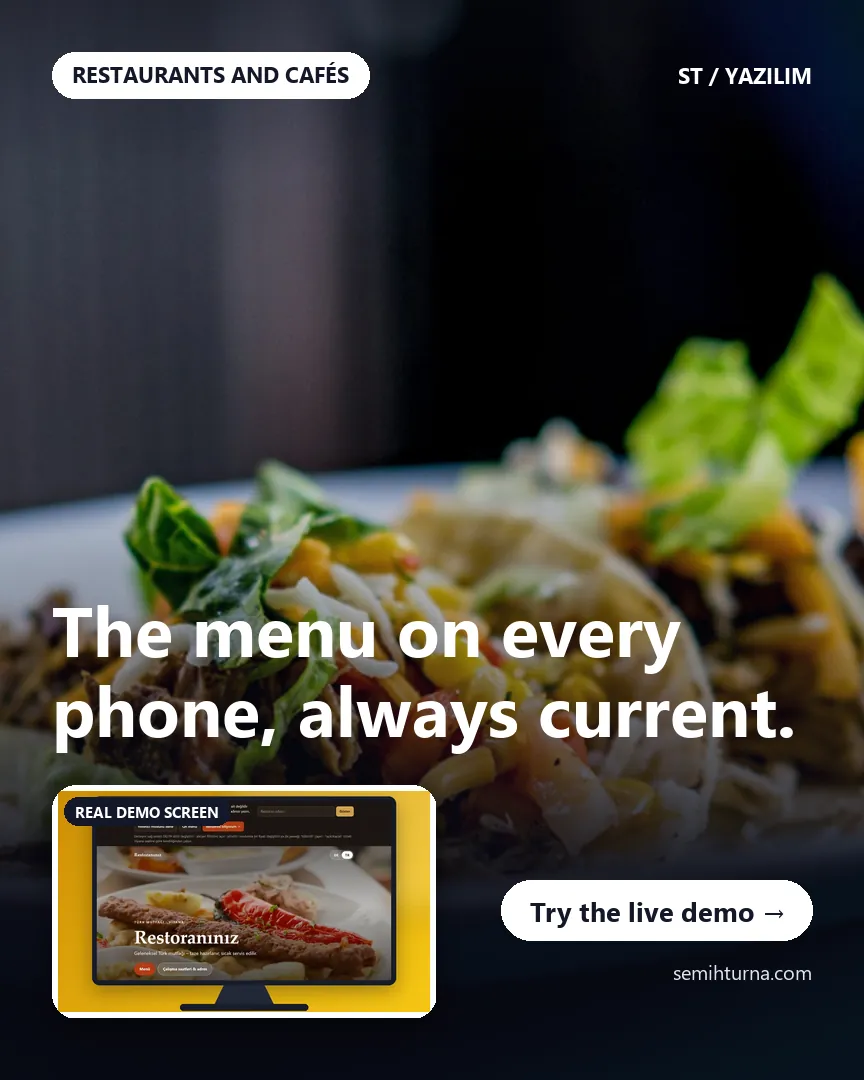
- A restaurant or café that wants its menu in two languages, and the guest reading the menu.
- Where do they start?
- The guest opens the site (a QR code on the table leads to the same address); the menu opens in German by default and the language button works both ways (the screens below were taken with Turkish selected). The restaurant opens admin mode to change prices.
What do they do on screen? Step by step
-
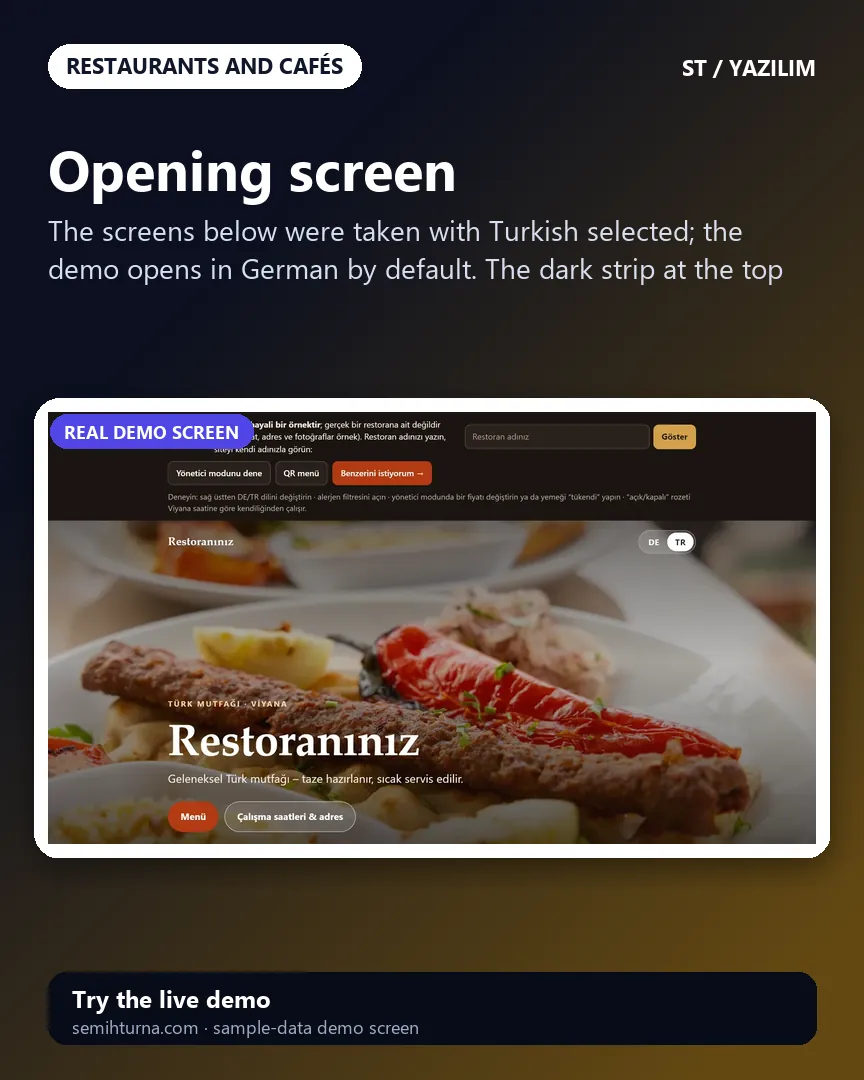
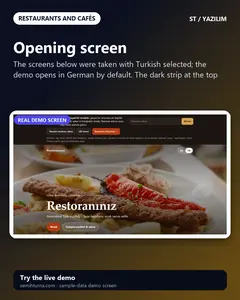
Opening screen
The screens below were taken with Turkish selected
-
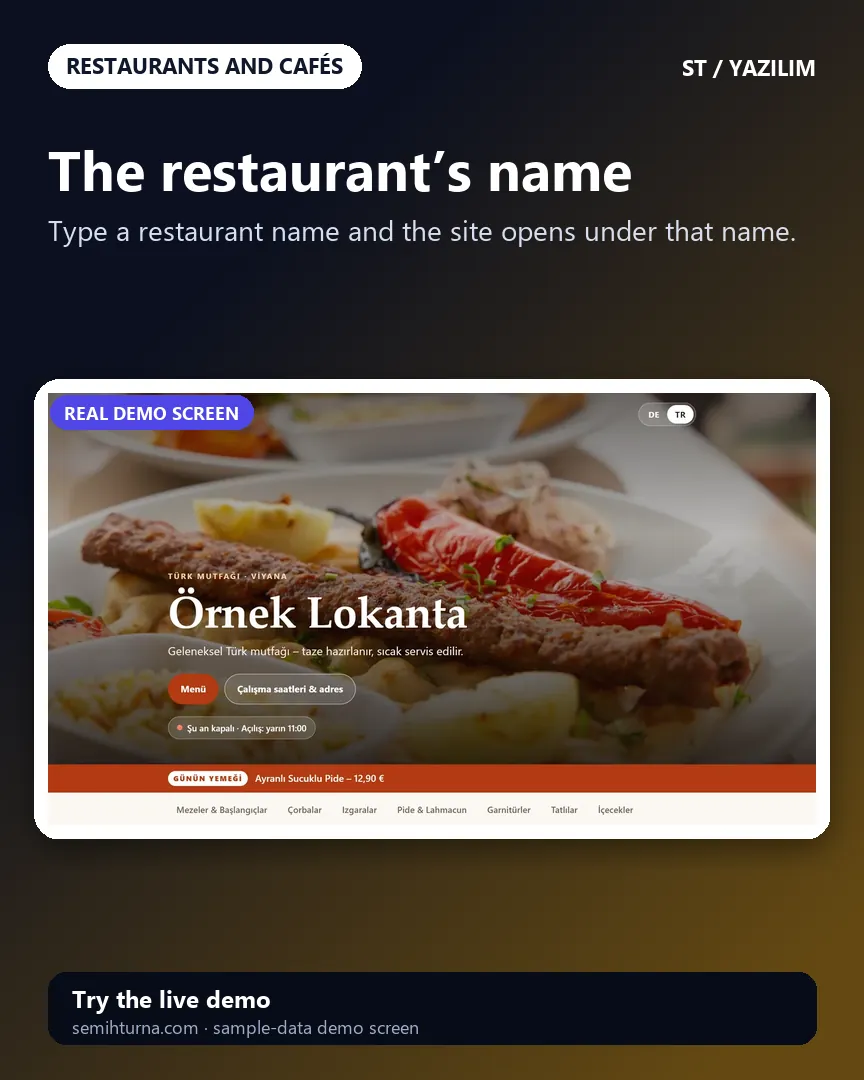
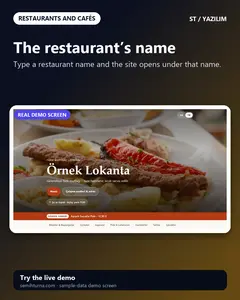
The restaurant’s name
Type a restaurant name and the site opens under that name.
-
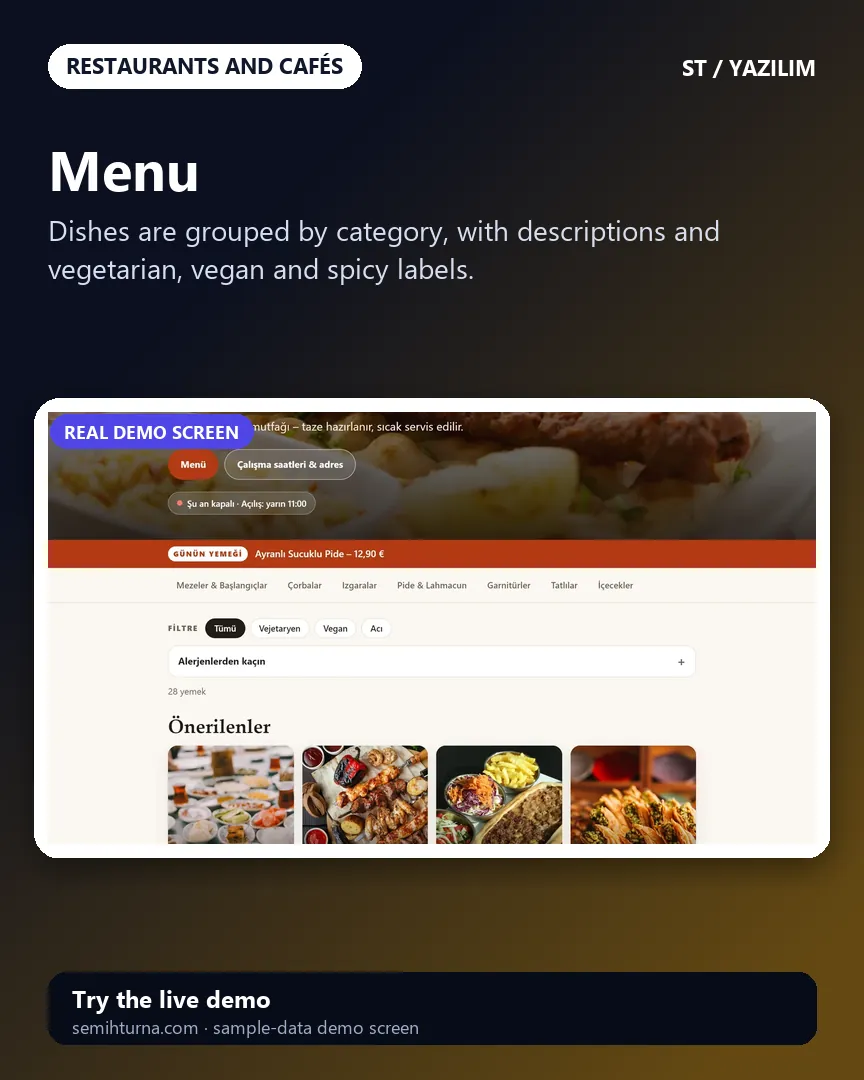
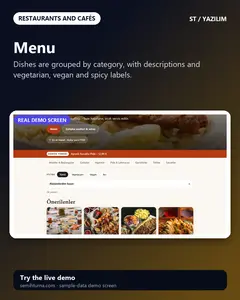
Menu
Dishes are grouped by category, with descriptions and vegetarian, vegan and spicy labels.
-
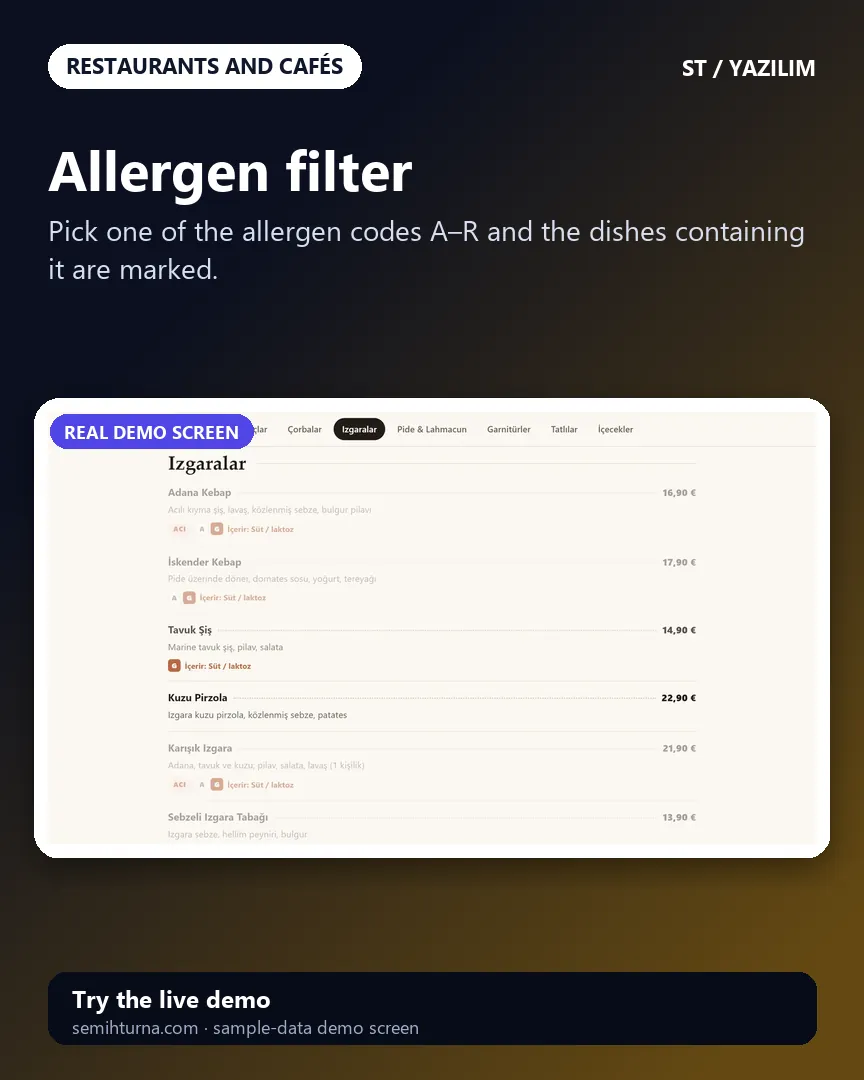
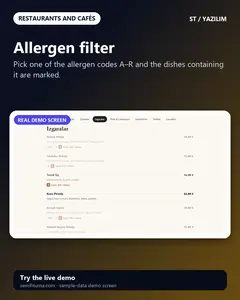
Allergen filter
Pick one of the allergen codes A–R and the dishes containing it are marked.
-
Admin mode
Price, “sold out” and the dish of the day are changed in one place. In the demo the changes are stored only in this browser.
-
QR code with a table number
Enter a table number and a QR code for that table is made
- What do they see at the end?
- The guest sees the dishes with their labels and allergen information. When the restaurant changes a price, “sold out” or the dish of the day, the menu updates at once (in the demo, only in this browser).
- What is it good for?
- Instead of reprinting a paper menu, a two-language, up-to-date menu with allergen information, opened from a QR code placed on the table.