- Who uses it?
- The venue owner or manager who handles requests and quotes; sales staff who use the calendar, the quote and the payment records.
- Where do they start?
- A customer picks a hall and a date on the request page and sends a preliminary request, or a request that came by phone is entered in the panel; sign in as owner or staff and start at the Today screen.
What do they do on screen? Step by step
-
Customer request page
The customer picks a hall and sees free, optioned and taken days on a monthly calendar
-
Preliminary request form
The customer enters the event type, estimated guests, time, name and phone. It is a preliminary request
-
Request sent: status page
The request reaches the venue and the customer follows it on a status link. The date is not held at this stage
-
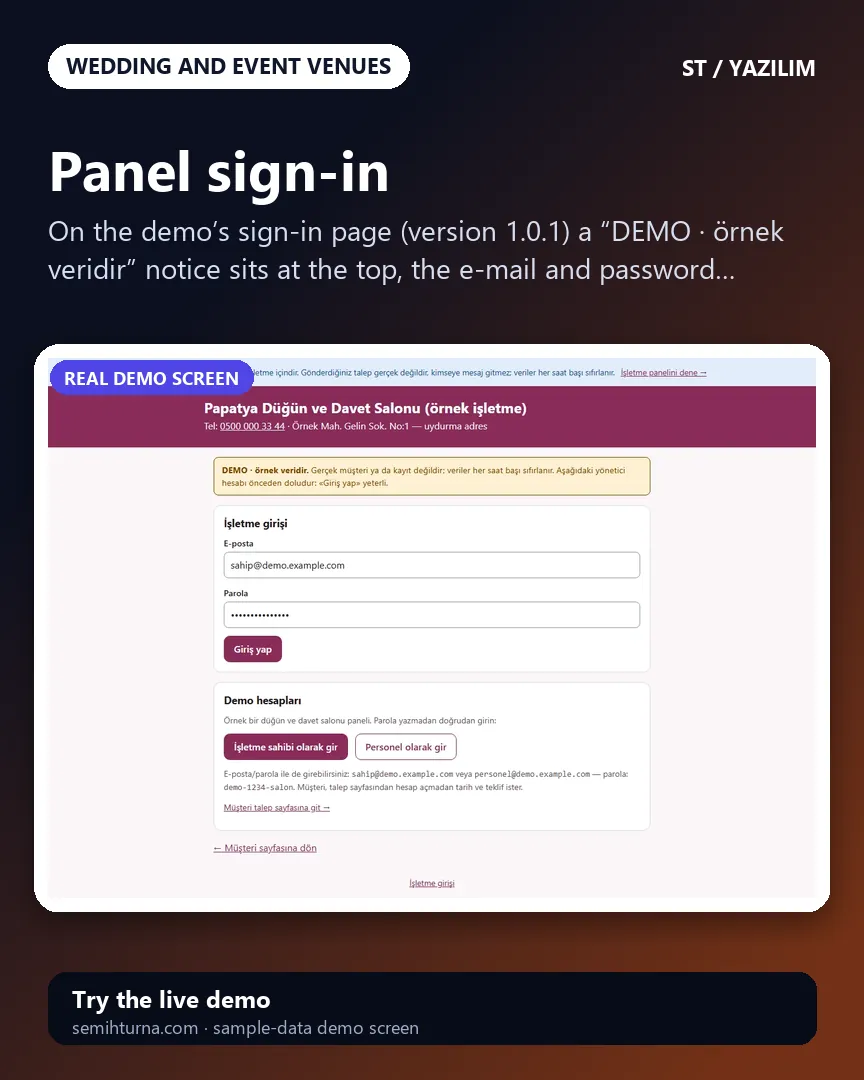
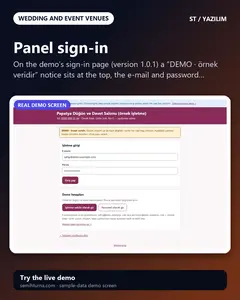
Panel sign-in
On the demo’s sign-in page (version 1.0.1) a “DEMO · örnek veridir” notice sits at the top, the e-mail and password fields come prefilled with the manager…
-
Today screen
Requests waiting for a reply, options that have expired or are about to, overdue payments, upcoming events and payments falling due at a glance. An expired…
-
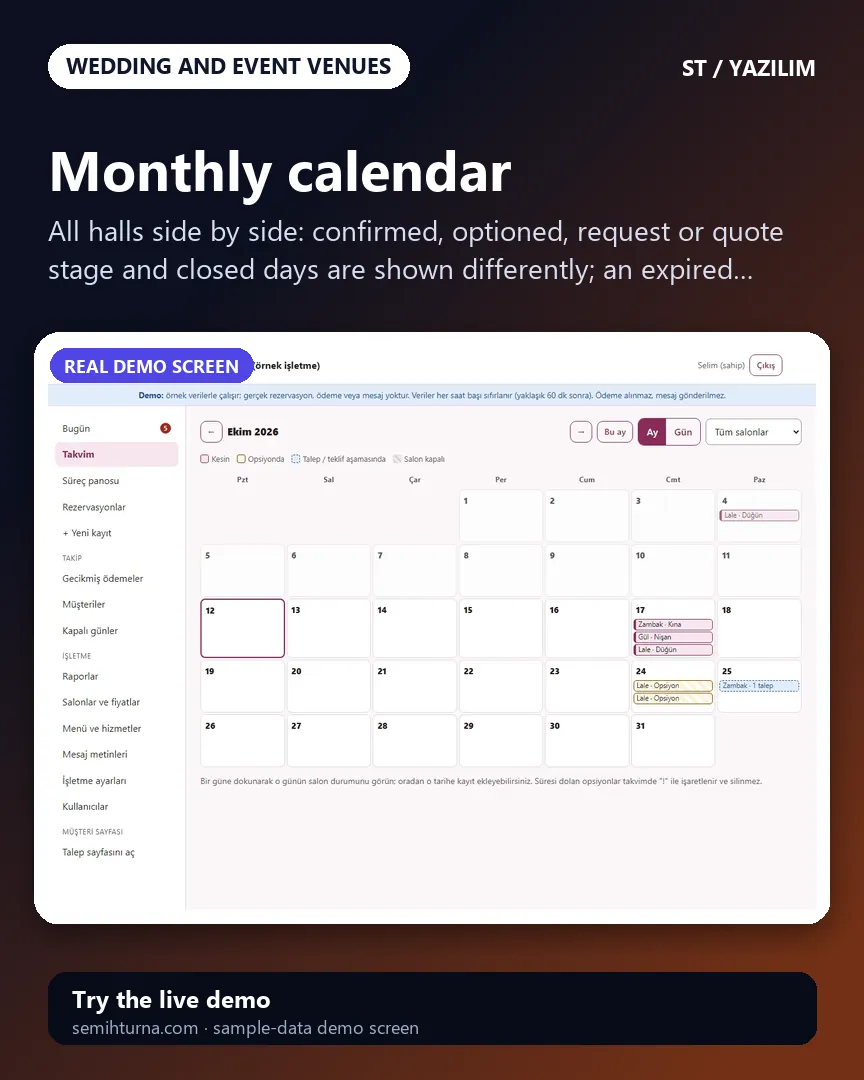
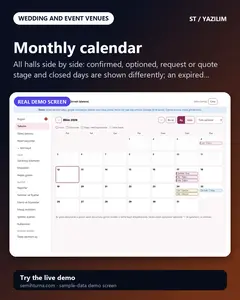
Monthly calendar
All halls side by side
- What do they see at the end?
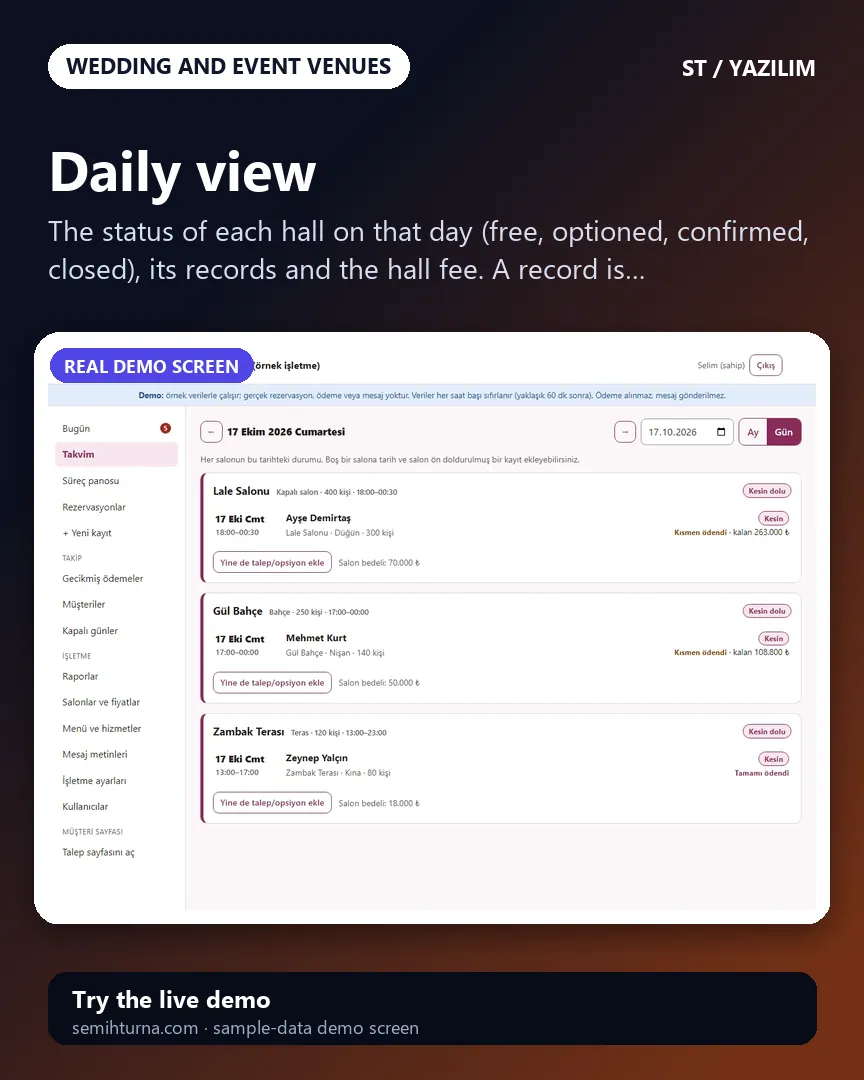
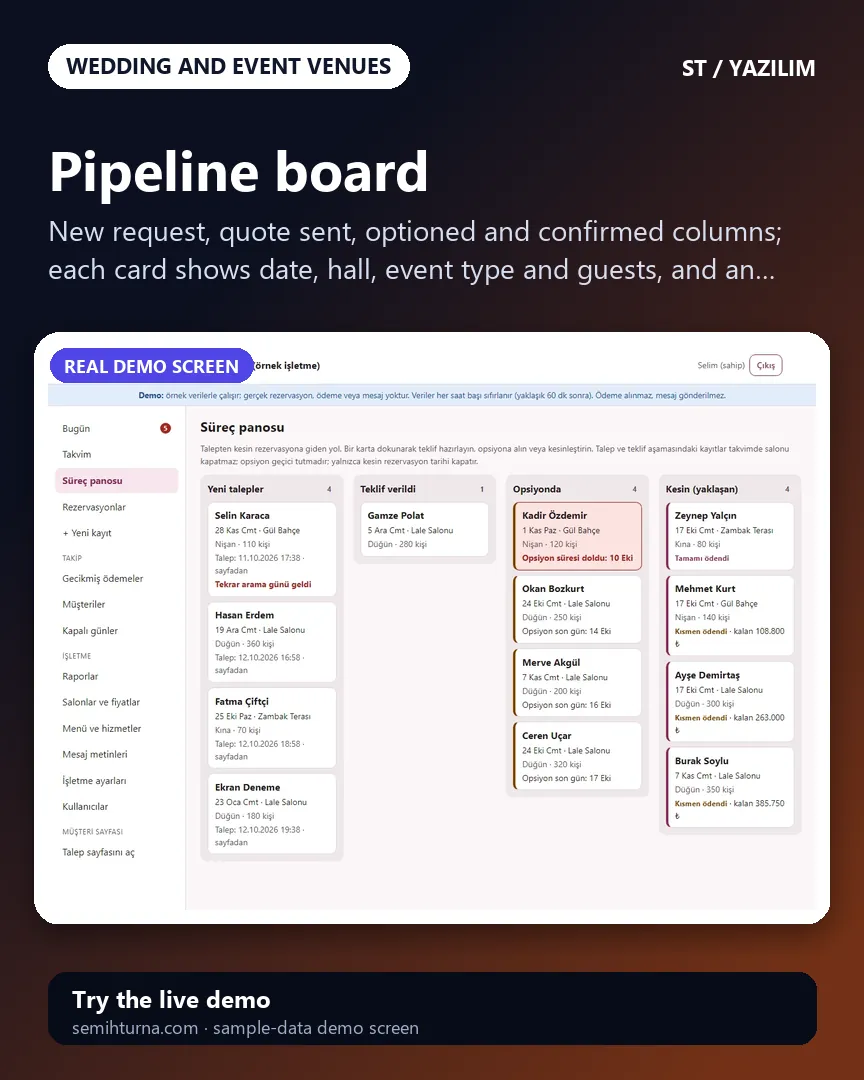
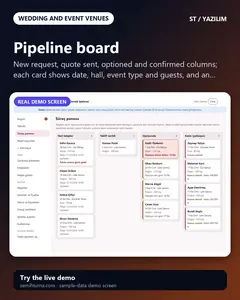
- A request moves on to a quote, an option and a firm booking; at every stage the calendar, the total, the payment plan and the task list sit in the same record. An expired option and an overdue payment show as warnings.
- What is it good for?
- Dates, options, quote calculation and deposit and instalment records do not scatter across phone calls, WhatsApp and a ledger; two promises for the same date are prevented; an expired option and a late payment get noticed.