- Who uses it?
- The visitor reading the site, and the editor or administrator of a small local news site who writes and publishes stories and manages categories, pages and advertisement slots.
- Where do they start?
- The visitor goes from the home page to the headline, a category or the search. The editor and the administrator sign in to the admin panel with their own user name and password.
What do they do on screen? Step by step
-
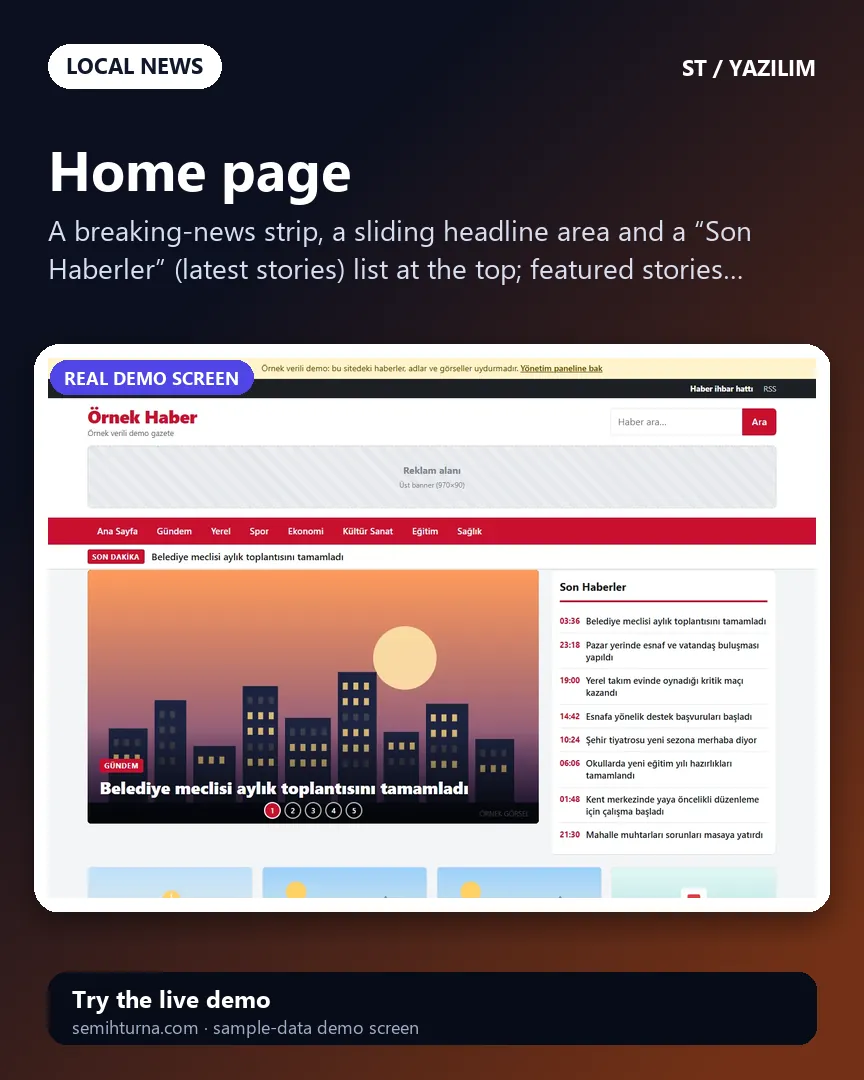
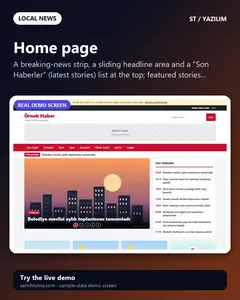
Home page
A breaking-news strip, a sliding headline area and a “Son Haberler” (latest stories) list at the top
-
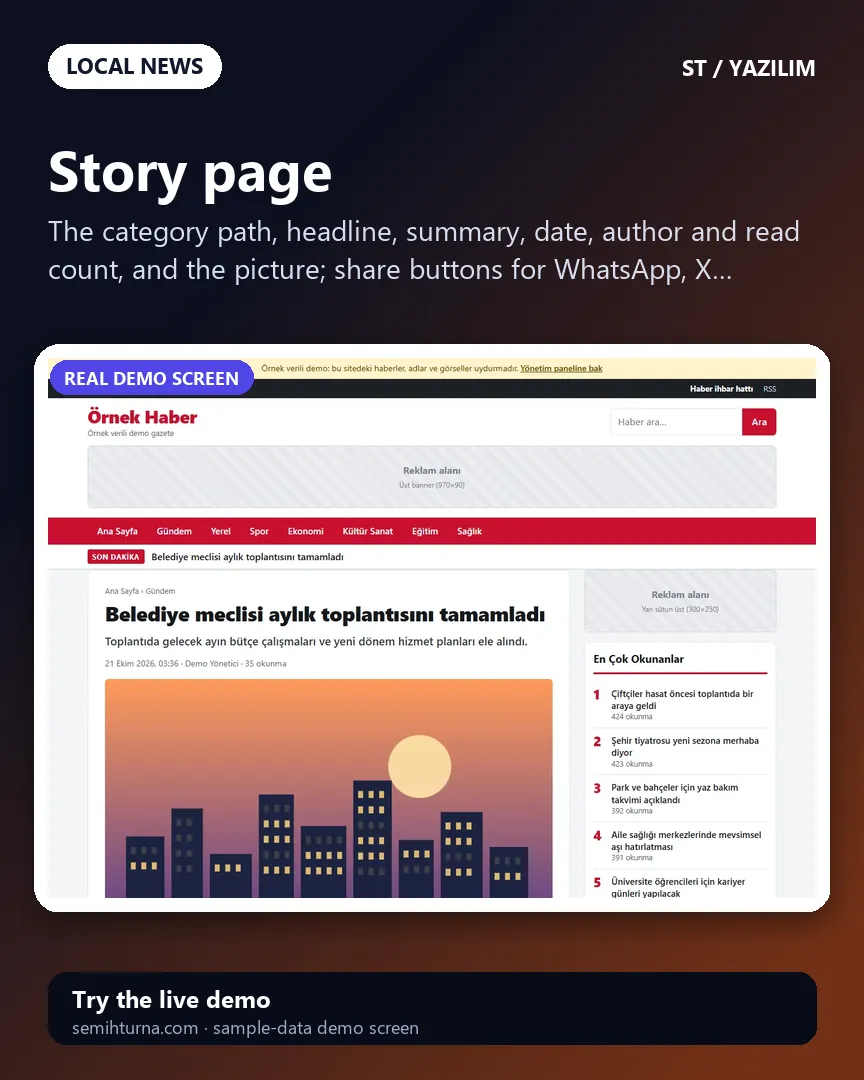
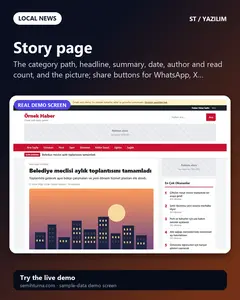
Story page
The category path, headline, summary, date, author and read count, and the picture
-
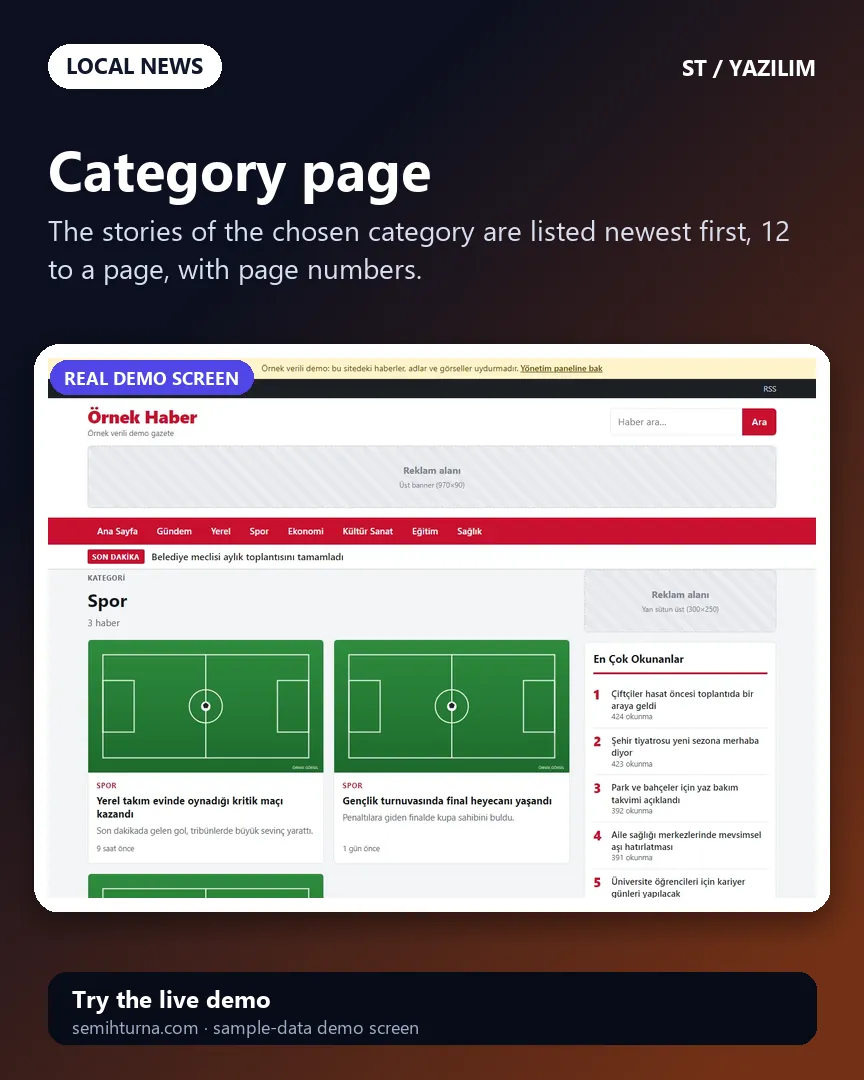
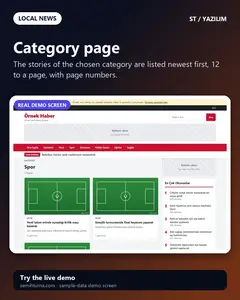
Category page
The stories of the chosen category are listed newest first, 12 to a page, with page numbers.
-
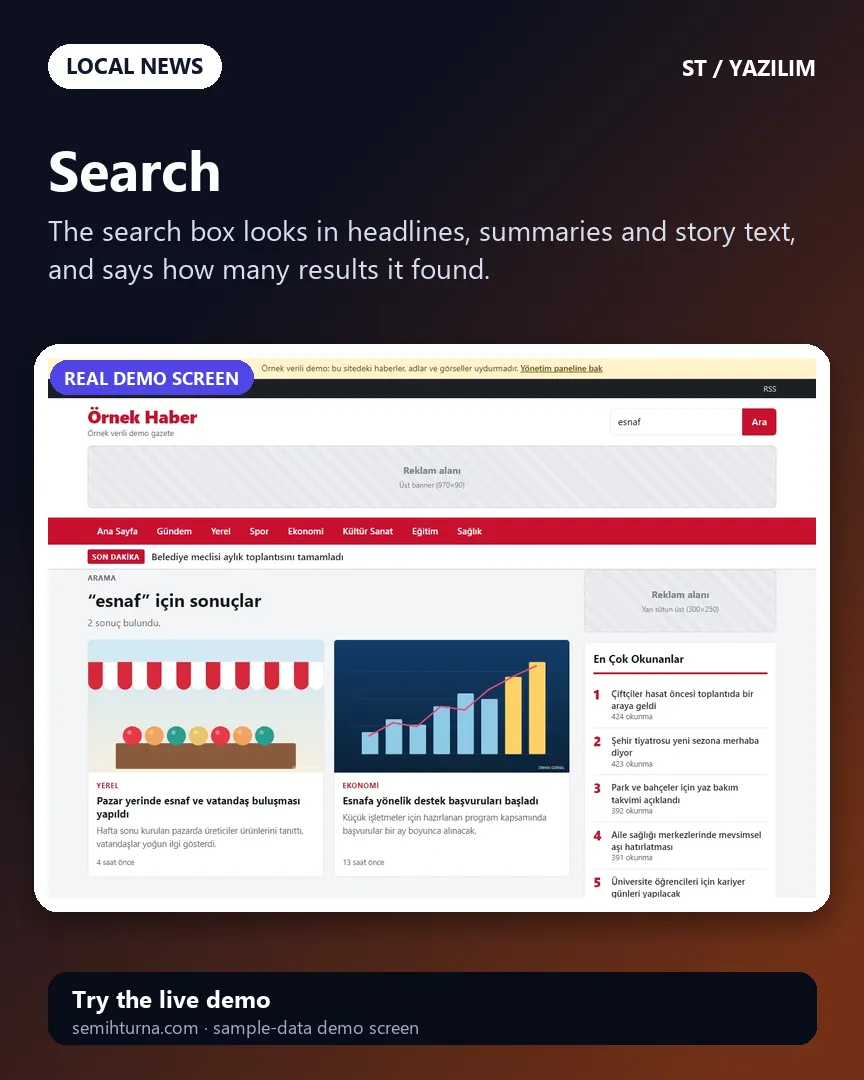
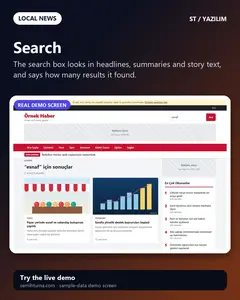
Search
The search box looks in headlines, summaries and story text, and says how many results it found.
-
Admin sign-in
The panel takes a user name and a password. After six failed attempts the user must wait 15 minutes. The “Demo hesapları” (demo accounts) box has password-free…
-
Panel: dashboard
The counts of published, scheduled and draft stories and the total reads
- What do they see at the end?
- The editor writes the story, adds its picture, picks a category and tags, and publishes it right away or schedules it for a later time. The story then shows on the home page, the category page, the search, the RSS feed and the sitemap by itself; the headline and breaking-news marks shape the home page.
- What is it good for?
- Writing stories, setting the publication time, choosing the headline and adding an advertisement code all happen in one panel; the site lives on its own domain and hosting and needs no database server.